
On the home page, click the “Join Now” button in the “Today’s Classes” section on the right side.
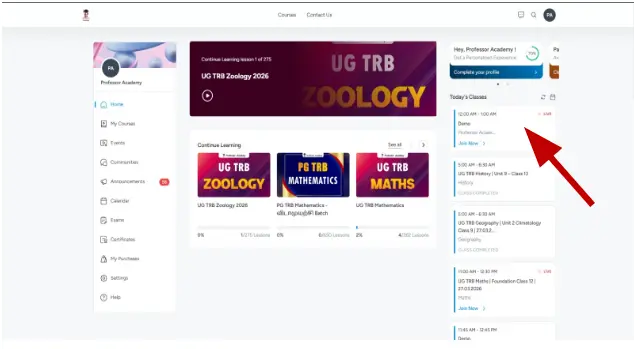
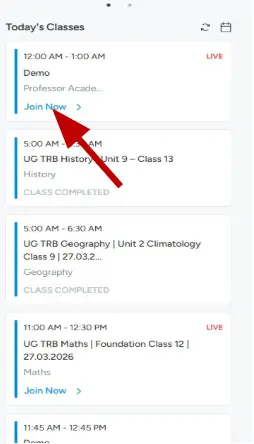
In the “Today’s Classes” section, select your live class and click the “Join Now” button.
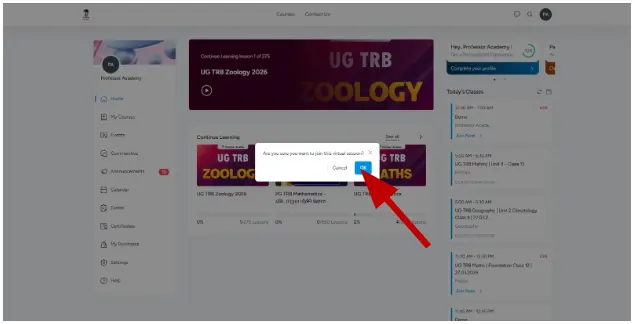
In the confirmation popup, click “OK” to join the live class.
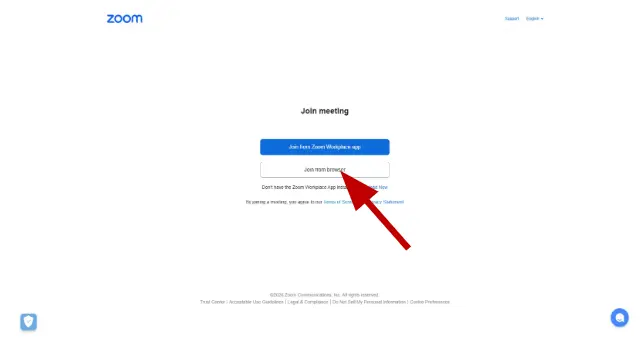
Click “Join from browser” (or “Join from Zoom app”) to enter the live class.
Click “Join with Computer Audio” or allow microphone access to enable audio.
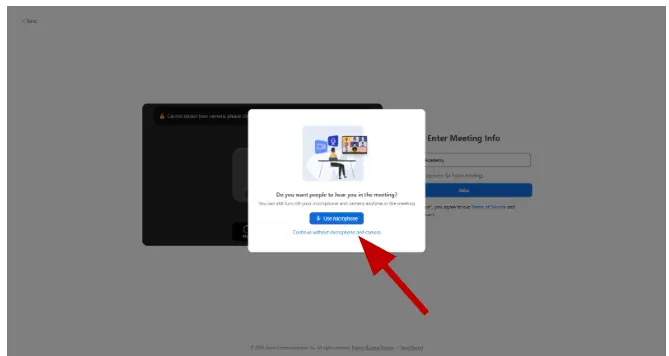
Enter your name and click “Join” to attend the live class.
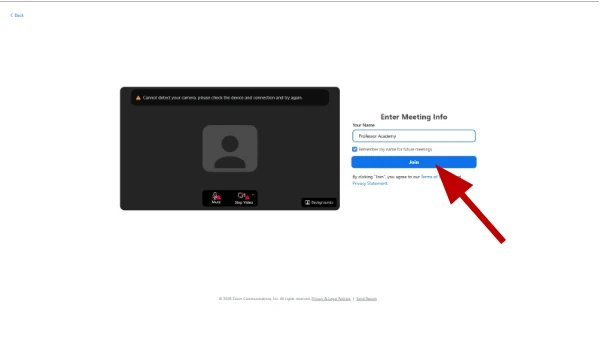
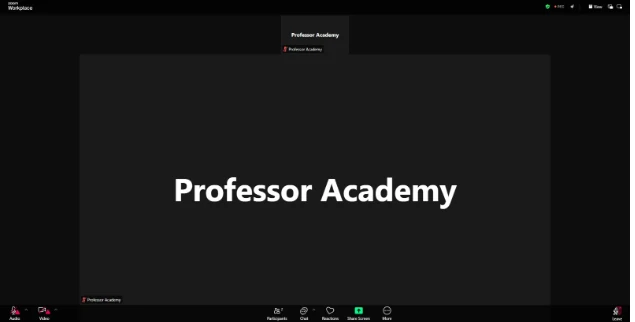
Successfully joined the live class after entering your name.
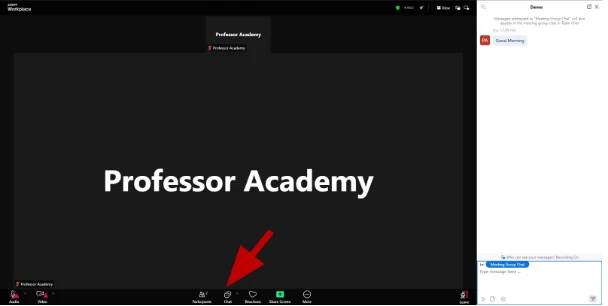
Use the chat option to send messages whenever you have doubts during the live class.
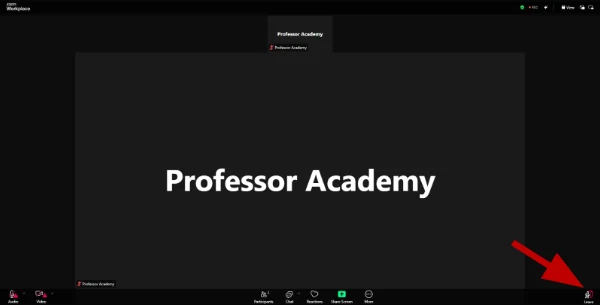
Click on the “Leave” button to exit the live class.
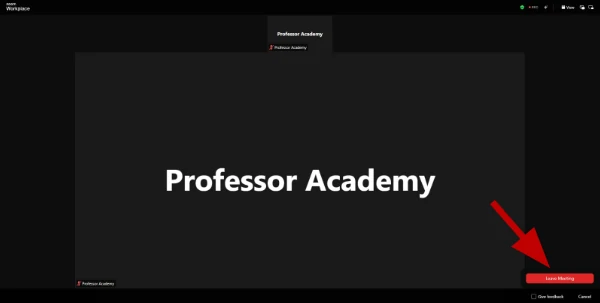
Click on “Leave Meeting” to confirm and exit the live class.
Hi!
