
Click the unit for the class, notes and for test and Click on the test to attend it.
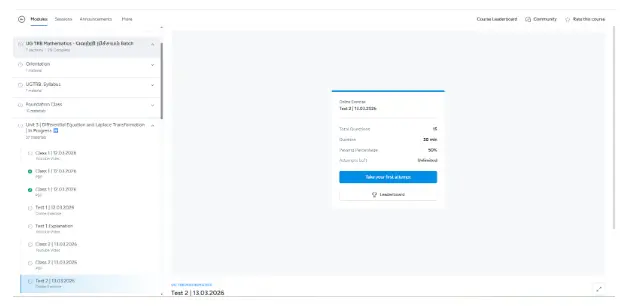
Click on “Take Your first attempt” to begin the test.
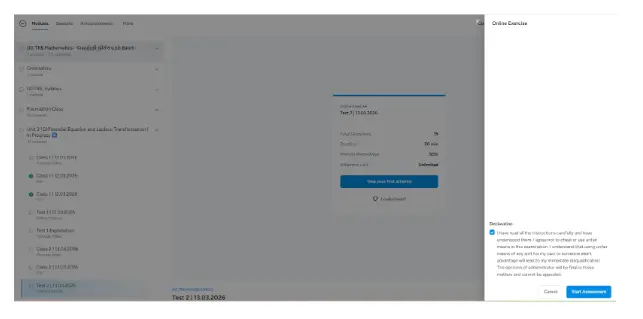
Click on “Start Assessment” to confirm and begin the test.
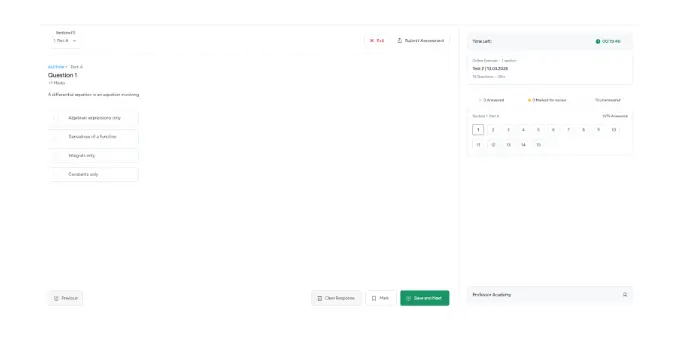
Attempt all the questions.
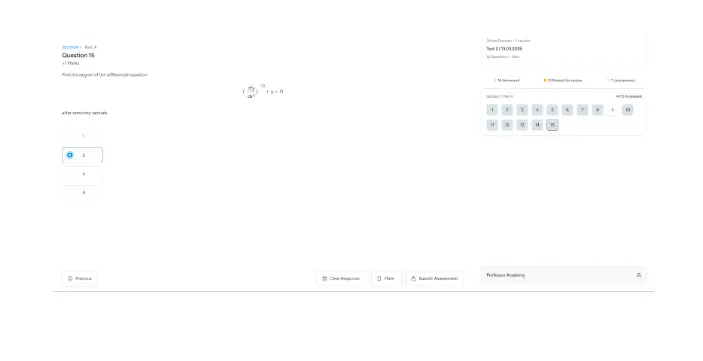
Then click on the “Submit Assessment” option.
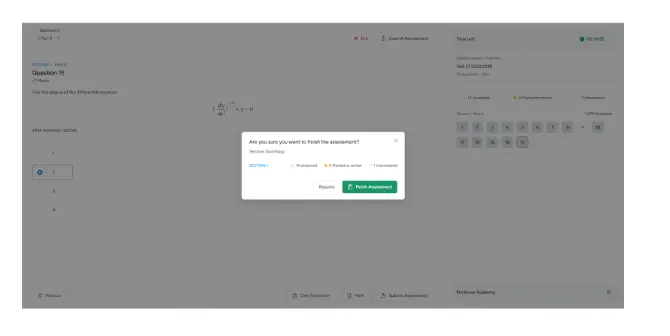
Click on the “Finish Assessment” option to confirm the submission.
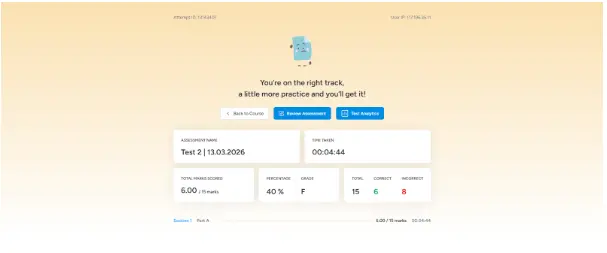
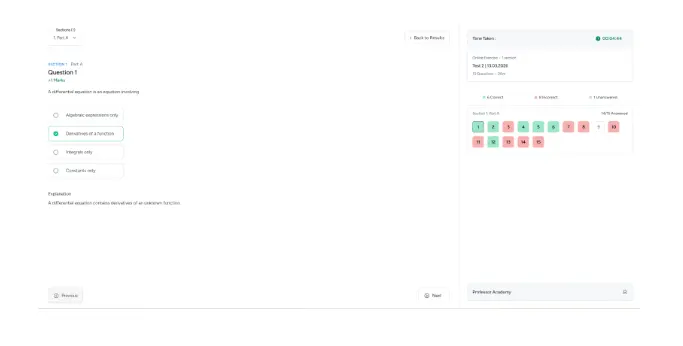
Click on the “Review Assessment” option to view the explanations along with the answers.

Hi!
