Greetings, readers! We trust you have reviewed your TNTET Paper 2 responses using the officially released TNTET Tentative Answer Key (25-11-2025) and have now assessed your approximate score.
Watch this video for Complete Information
At Professor Academy, we extend our heartfelt congratulations to all candidates who have successfully cleared the TNTET Paper 2 examination.
If your name is among the successful candidates, we strongly recommend that you begin your UG TRB preparation immediately, rather than waiting for the official UG TRB notification to be released.
Early preparation for the UG TRB examination not only enhances your chances of clearing the exam but also positions you to achieve top State Ranks.
In this blog, we will guide you through the process of enrolling in the UG TRB Course.
How to Enrol in Our UG TRB Course
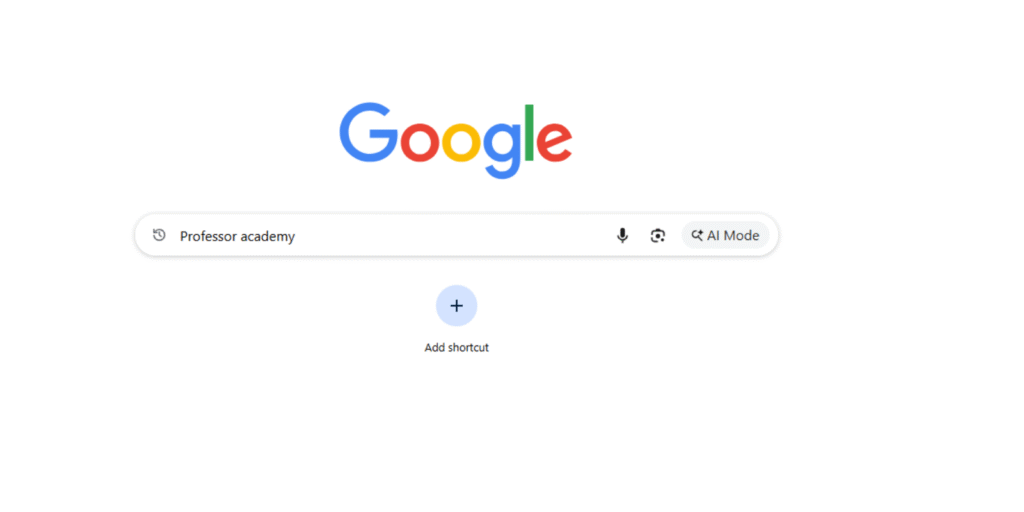
Step 1: Visit Google
Open Google and type “Professor Academy” in the search bar.
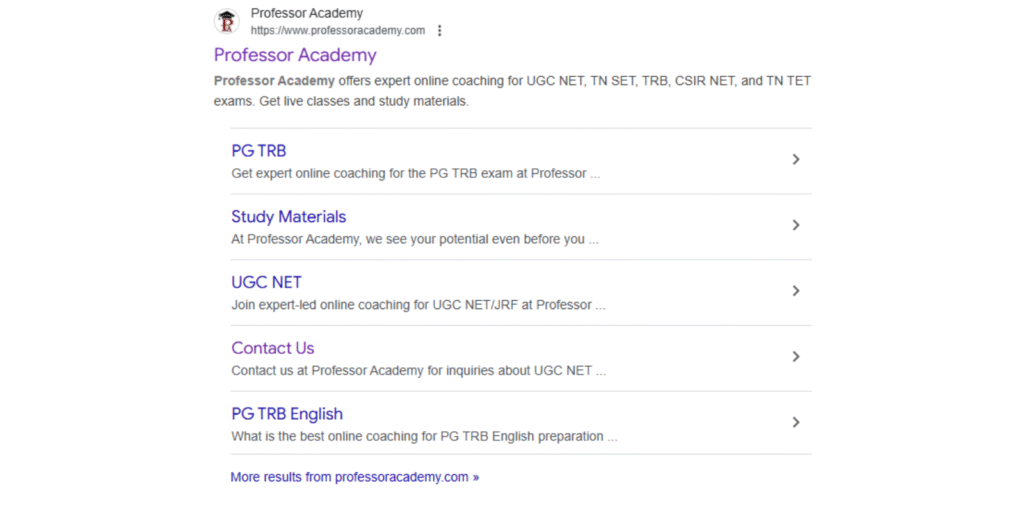
From the search results, locate our official website and click to open it.
In the search results, you will see our official website displayed.
Simply click on it to proceed.
Once you have opened our official website,
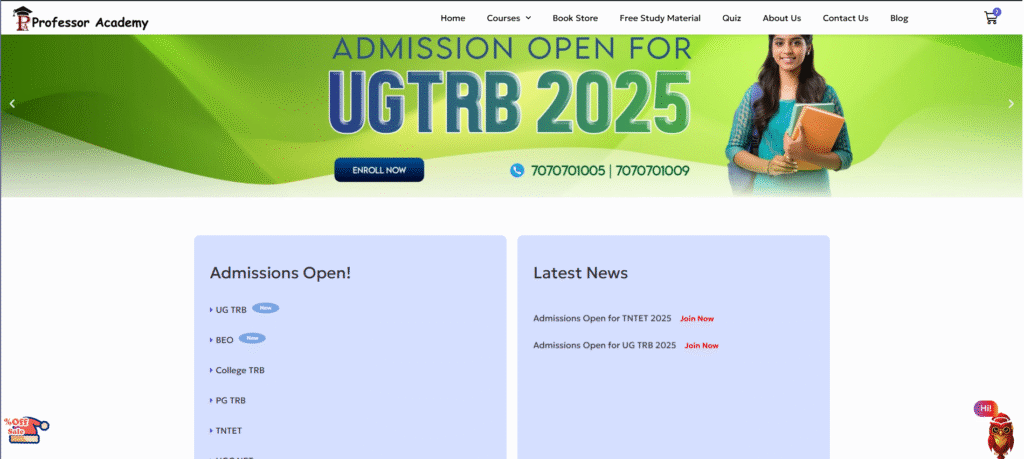
Step 2: Select the UG TRB Course
Below the homepage banner, you will see the section titled “Admissions Open Now.”
In this section, locate the UG TRB Course and click on it.
You will be redirected to the following page:
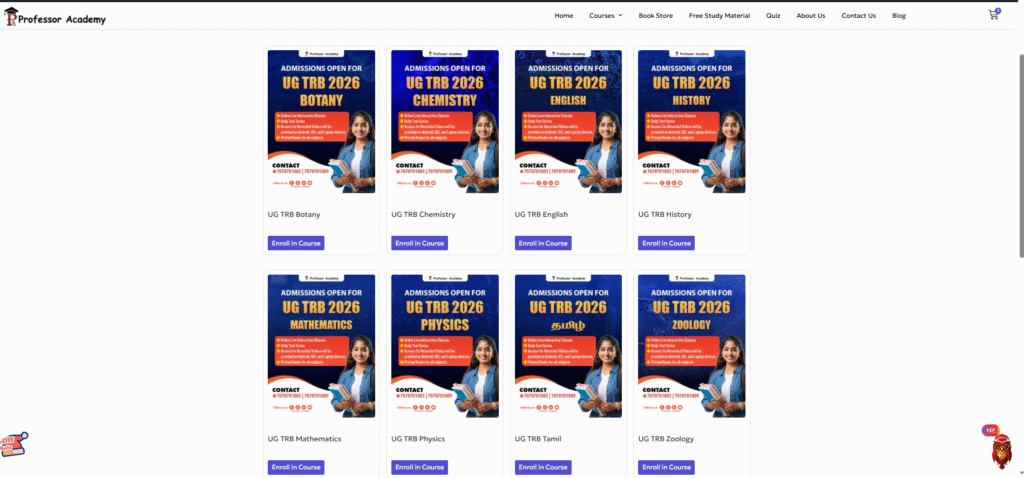
On this page, you will find a list of subjects offered under the UG TRB category:
- UG TRB Tamil
- UG TRB English
- UG TRB Mathematics
- UG TRB Physics
- UG TRB Chemistry
- UG TRB Botany
- UG TRB Zoology
- UG TRB History
Select your respective subject and click the “Enroll Now” button to proceed with registration.

For example, if you select UG TRB Chemistry and click the “Enroll Now” button, you will be redirected to the Checkout Page.
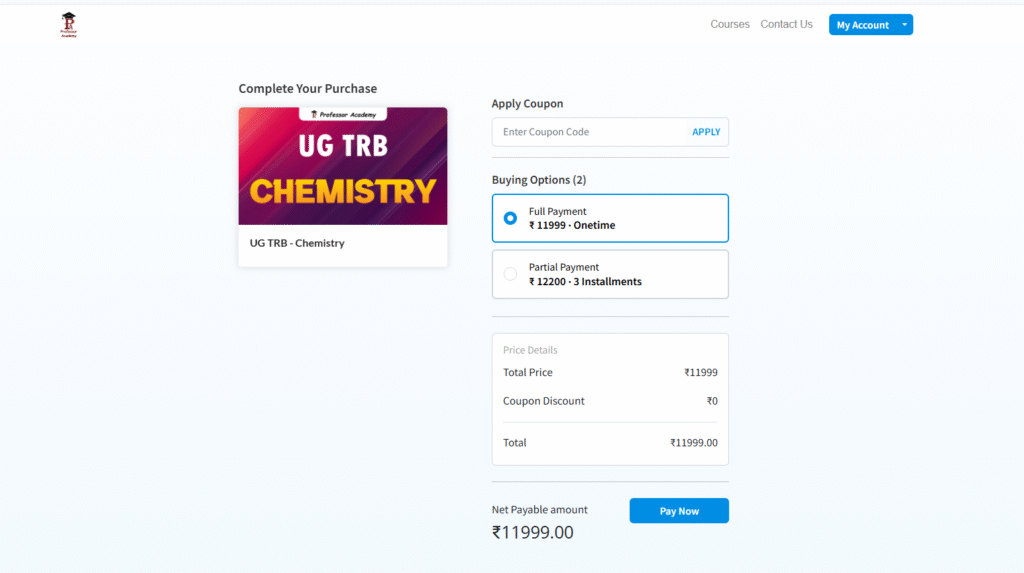
On the checkout page, you will find three installment options.
You may choose any payment plan that best fits your budget.
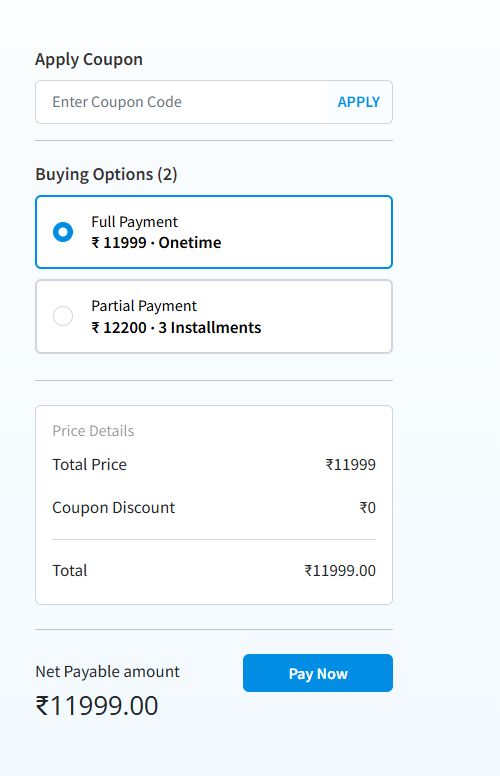
You can also opt for the full payment option, which is priced at ₹11,999/-.
Alternatively, you may choose the partial payment option, which allows you to pay in 3 convenient installments.
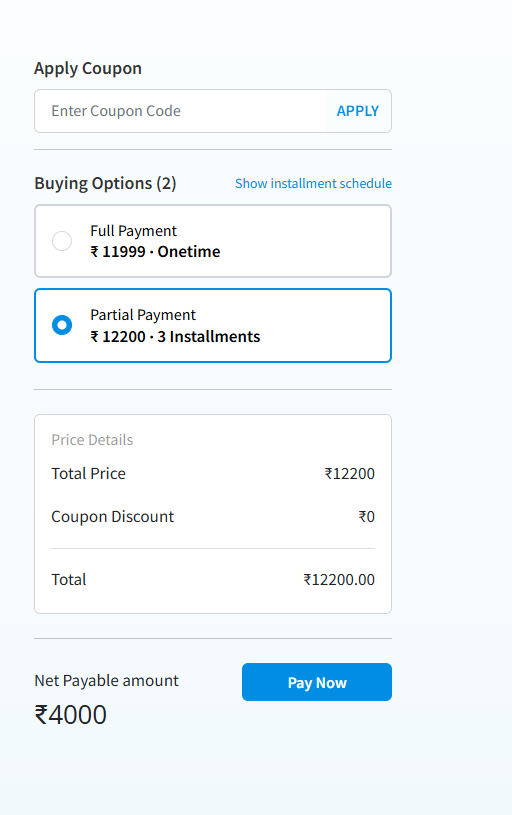
After selecting your preferred payment option, simply click the “Pay Now” button to proceed.
Step 3: Need to create account for payment option
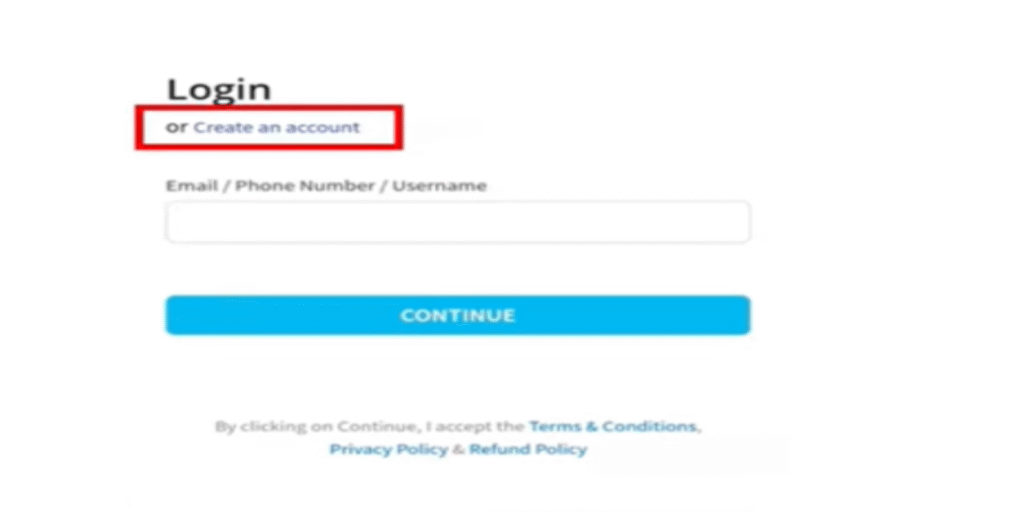
After clicking the “Pay Now” button, you will be prompted to create an account.
If you are already a Professor Academy student, you can log in using your existing User ID and Password.
If not, you will need to create a new account at this stage to complete your enrollment.
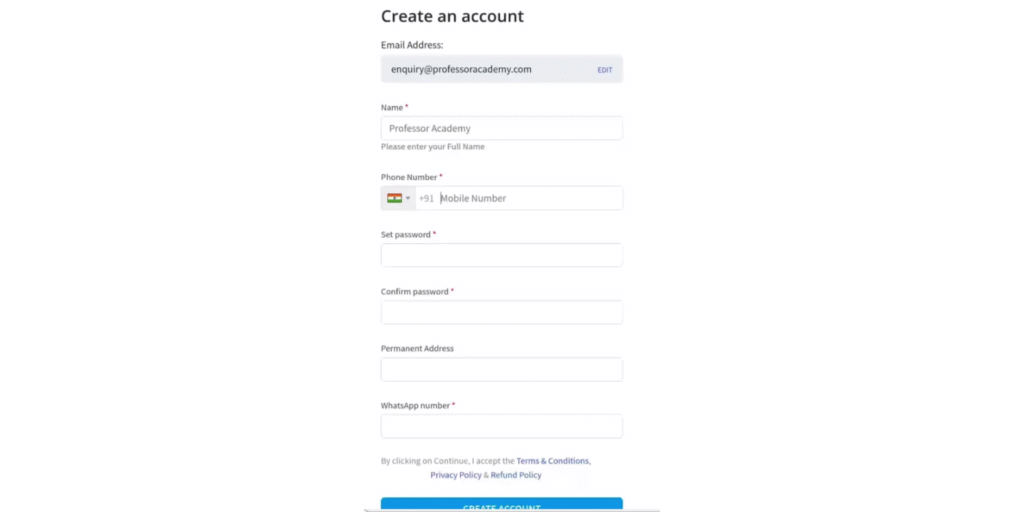
Enter your email ID, phone number, password, confirm password, permanent address, and WhatsApp number.
We strongly recommend providing an active mobile number and WhatsApp number, as all important updates — including course access details, app login credentials, and WhatsApp group notifications — will be sent to these contact points. Ensuring accuracy here is essential.
Once all details are completed, click the “Create Account” button.
Step 4: Proceed to Payment
After creating your account, you will be automatically redirected to the payment gateway page, where you can happily complete your course fee payment.
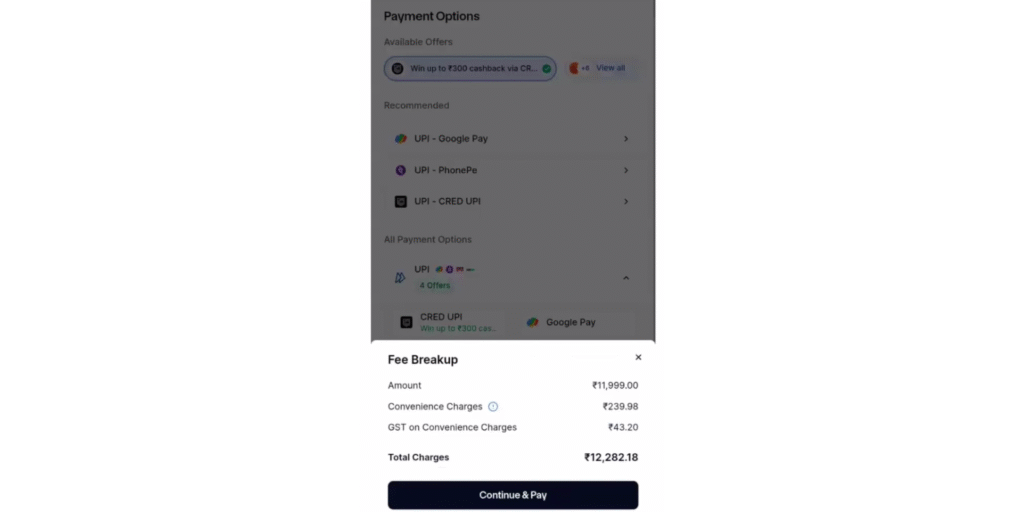
We offer multiple secure payment options, including:
- UPI (Google Pay, PhonePe, CRED UPI, Paytm)
- Credit Card
- Debit Card
- Net Banking
Select your preferred payment method and click “Continue” to proceed.
And wait for the payment processing time
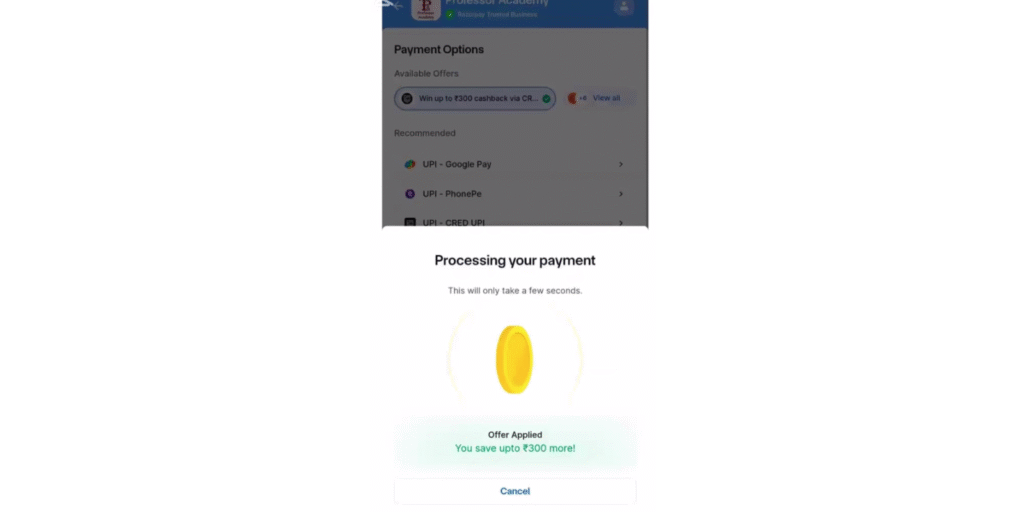
After some time, you will get the message for payment successful
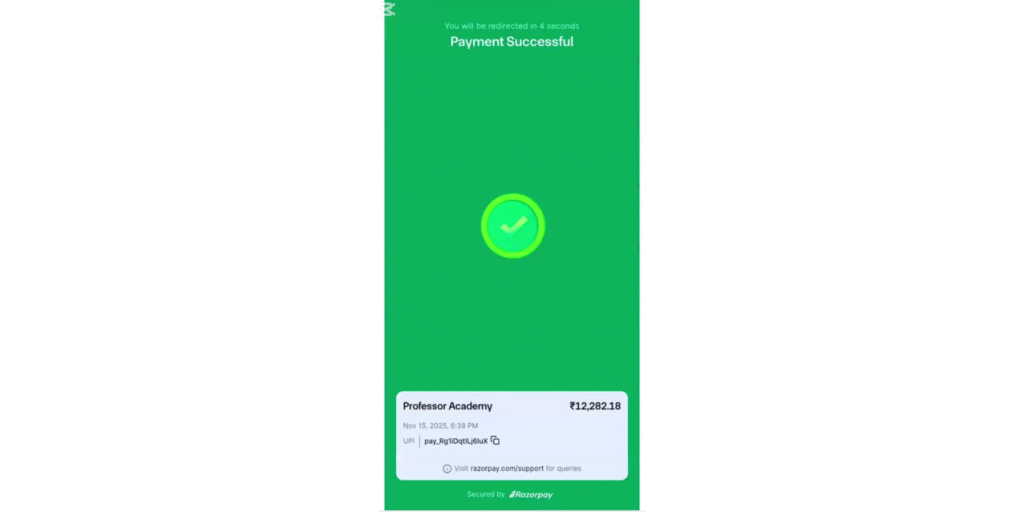
Once your payment is successfully completed, you will receive a confirmation message for the transaction.
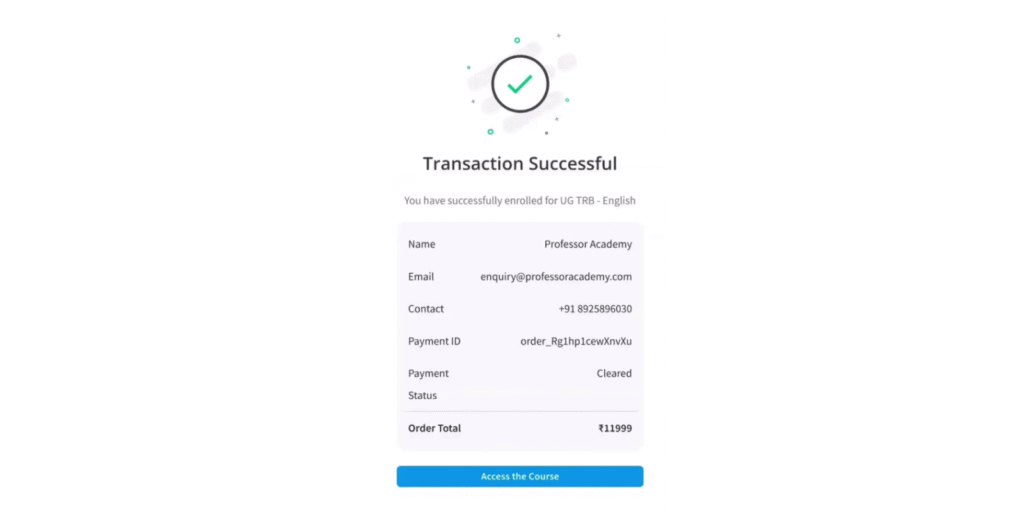
With this, you can begin accessing your course. The system will automatically start setting up your personalized learning environment, giving you immediate access to your classes, notes, and course dashboard.
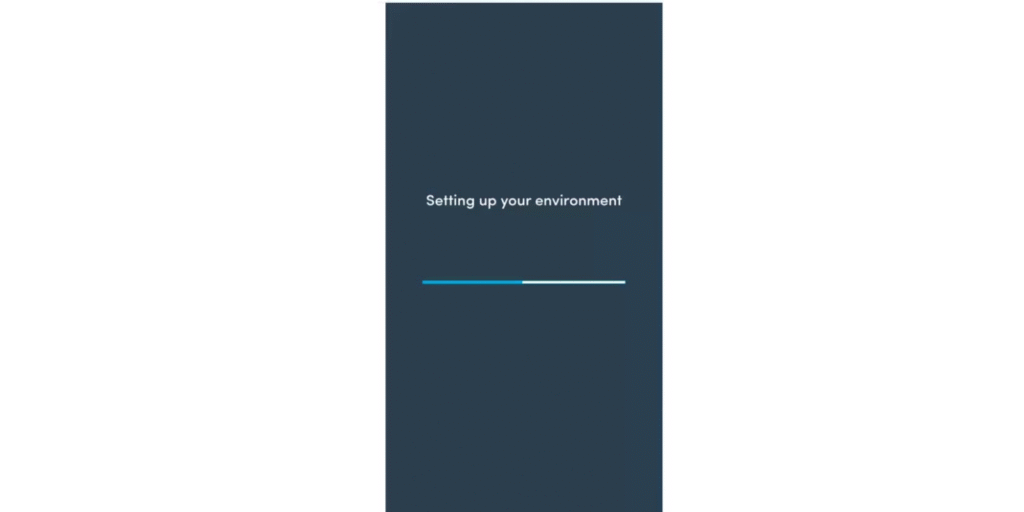
Your personalized learning dashboard will then open, giving you full access to your course materials and features.
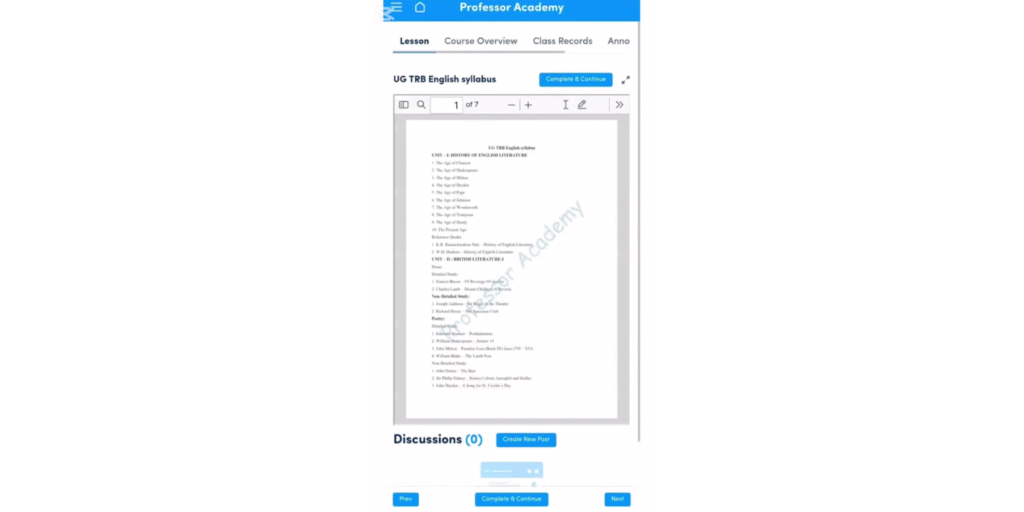
On your learning dashboard, you will have access to:
- Study Materials
- Class Recordings
Please note: the dashboard is optimized for desktop use and may not be fully user-friendly in mobile view.
To overcome this, we recommend logging out from the current session and downloading the Professor Academy app from the Play Store for a smoother mobile learning experience.

Search for “Professor Academy” in the Play Store or App Store. Our app is available for both Android and iOS, providing a seamless mobile learning experience.
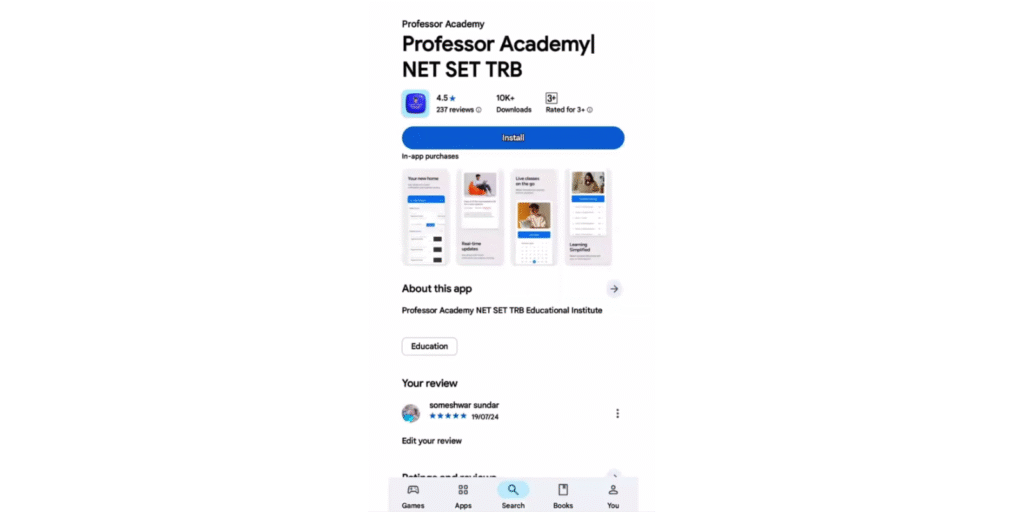
Install the Professor Academy app and open it.
When prompted to send notifications, please select the “Allow” button to ensure you receive important course updates and alerts.
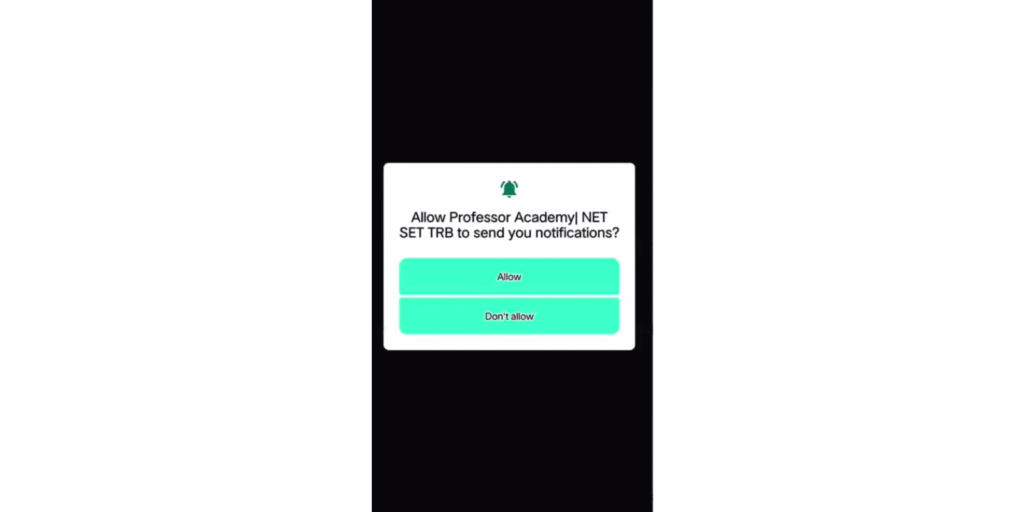
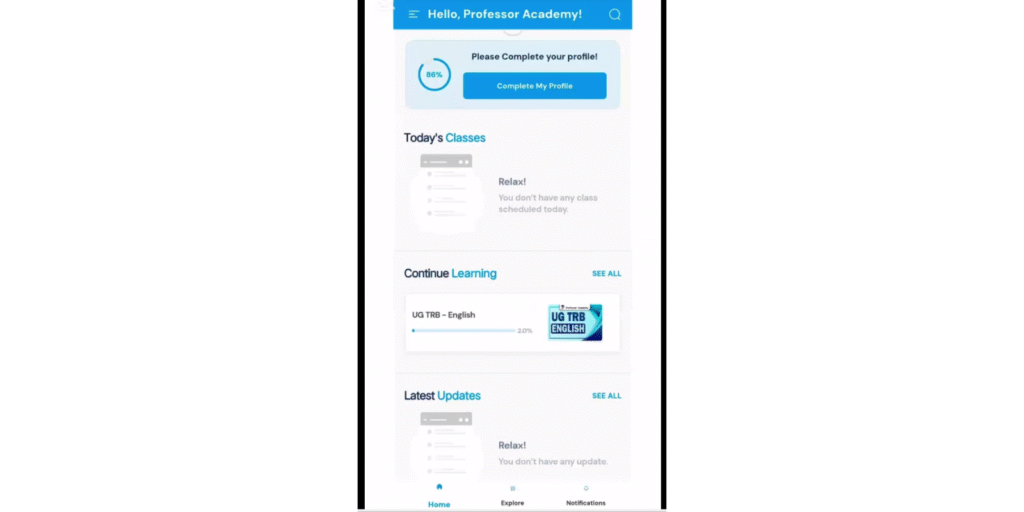
After clicking the “Allow” button, you will be directed to the app’s home screen/dashboard, where you can access all your course materials and features.
Next, log in using your registered email ID and password, then click “Continue” to access your course dashboard.
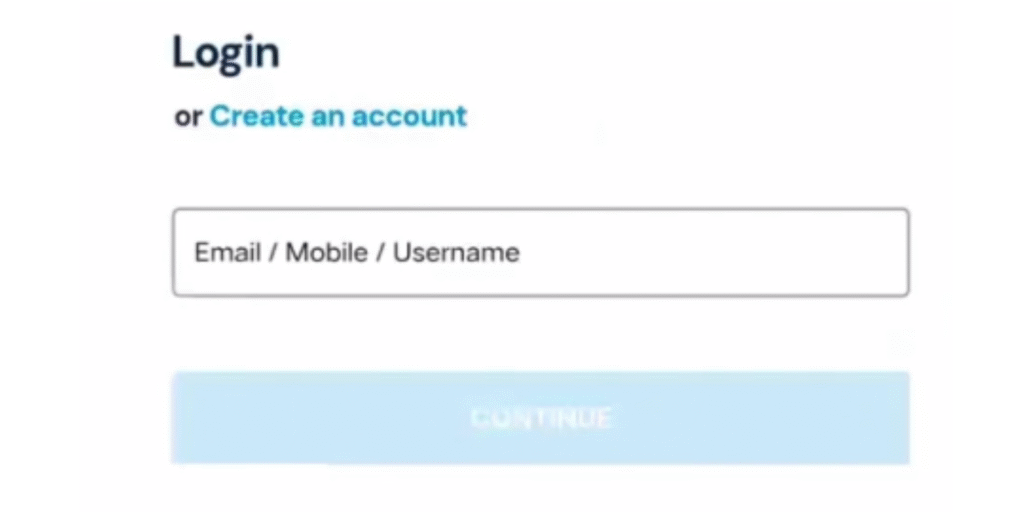
Once logged in, your student profile will open, providing access to all your enrolled courses, study materials, and class recordings.
Within your student profile, you will have access to:
Live Classes
Recorded Videos
Mock Tests
View Test Answers with Explanations
Downloadable Class Notes (PDF)
Important Notes:
Device Limit: Login access is restricted to three devices only.
If the number of login attempts exceeds three, your access will be temporarily restricted.
Professor Academy – Support Team
Don’t panic if this happens. Simply contact our support team:
+91 99628 28592
+91 99628 28517
They will assist you in regaining access.
Professor Academy – Admission Support
For admission-related queries, please reach out to our admissions team:
+91 70707 01009
+91 70707 01005
+91 88071 08794
+91 81244 08794
Additionally, if you are a registered student, you will also receive notifications and updates from your assigned course coordinator.
Professor Academy – Academic Support
For class-related doubts or if you face challenges in your learning process, you can connect with our course coordinators, who will provide you with a clear roadmap and guidance tailored to your needs.
Additionally, for students who feel demotivated or stressed, we offer Naturopathy sessions with expert guidance to provide personalized support and wellness strategies.
At Professor Academy, our goal is not just to enroll students, but to ensure they study comfortably and confidently without pressure. We value your dedication, ambition, and drive for success, and provide complete support to help you achieve your dreams.
For more details, connect with us:
Join Our UG TRB Coaching
Contact Numbers:
- +91 70707 01009
- +91 70707 01005
- +91 88071 08794
- +91 81244 08794