🎉 Explore Our Pooja Holidays Offer – from October 19 to 22!
How to attend the test on the Web Application
How to attend the test on Mobile App
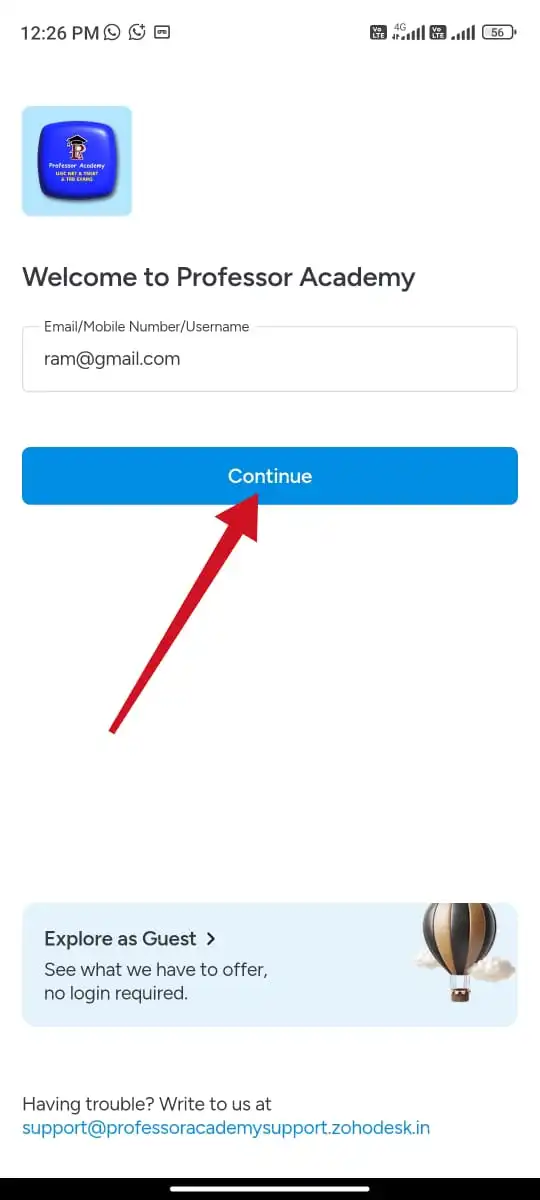
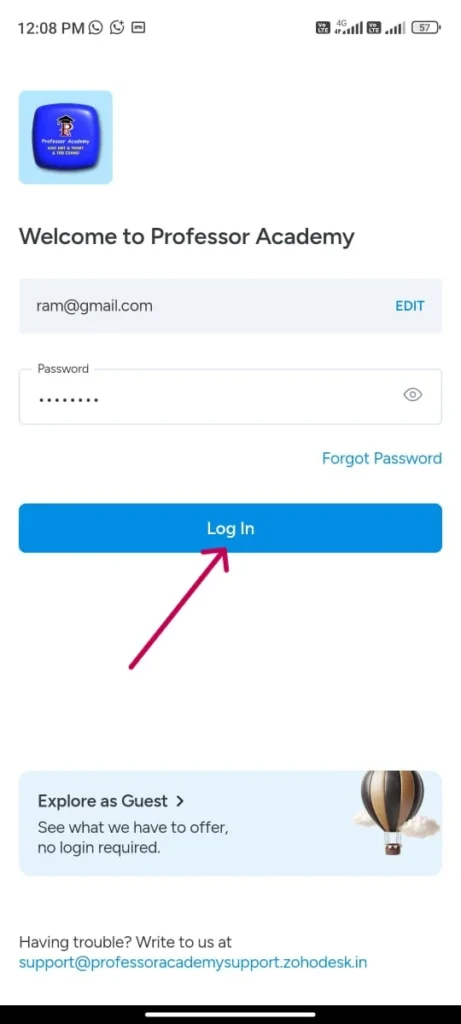
Step 1
Please enter your login credentials (email / user name / phone number and password) to access classes
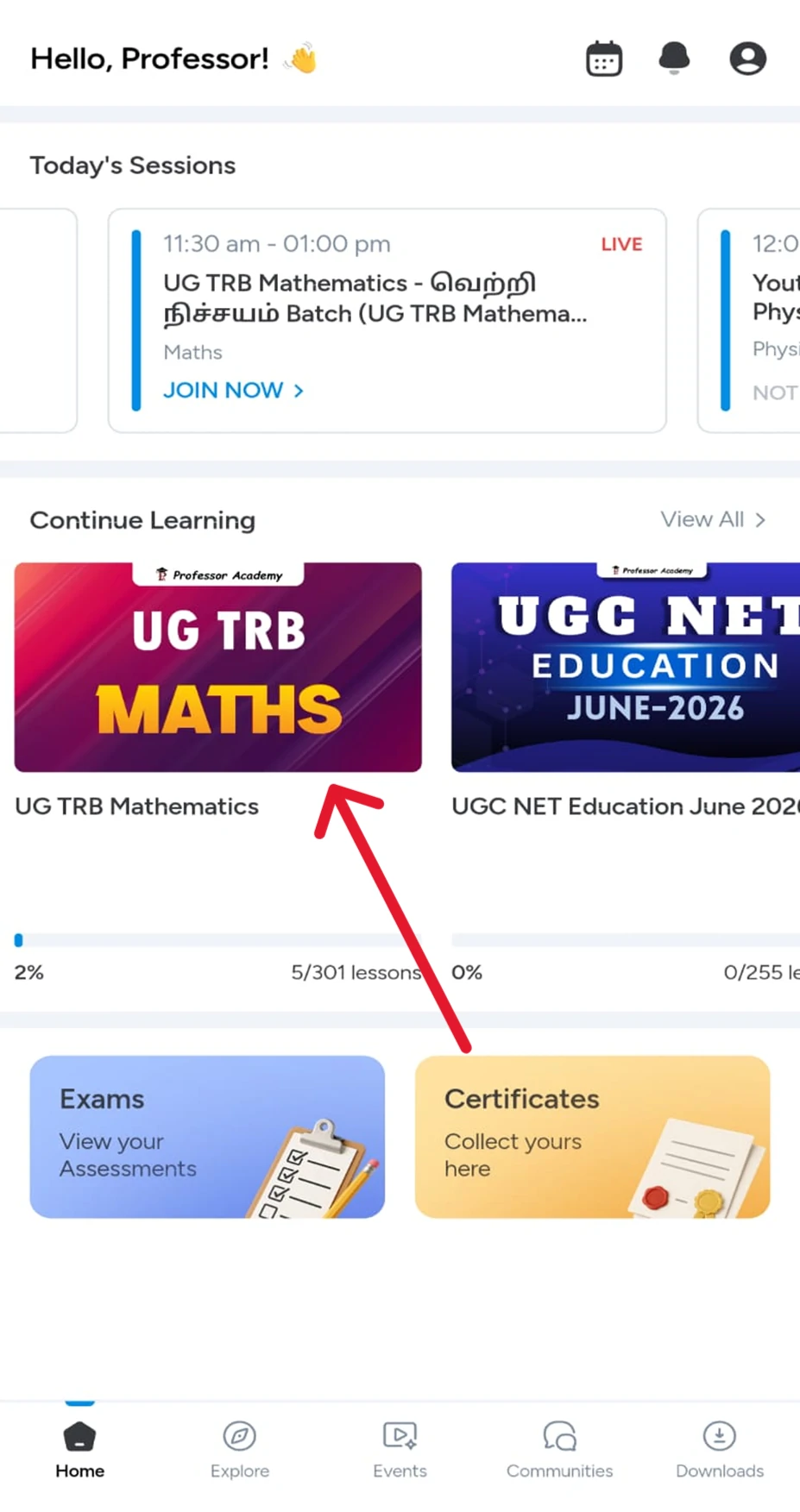
Step 2
Click “UG TRB course” belove the continue learning
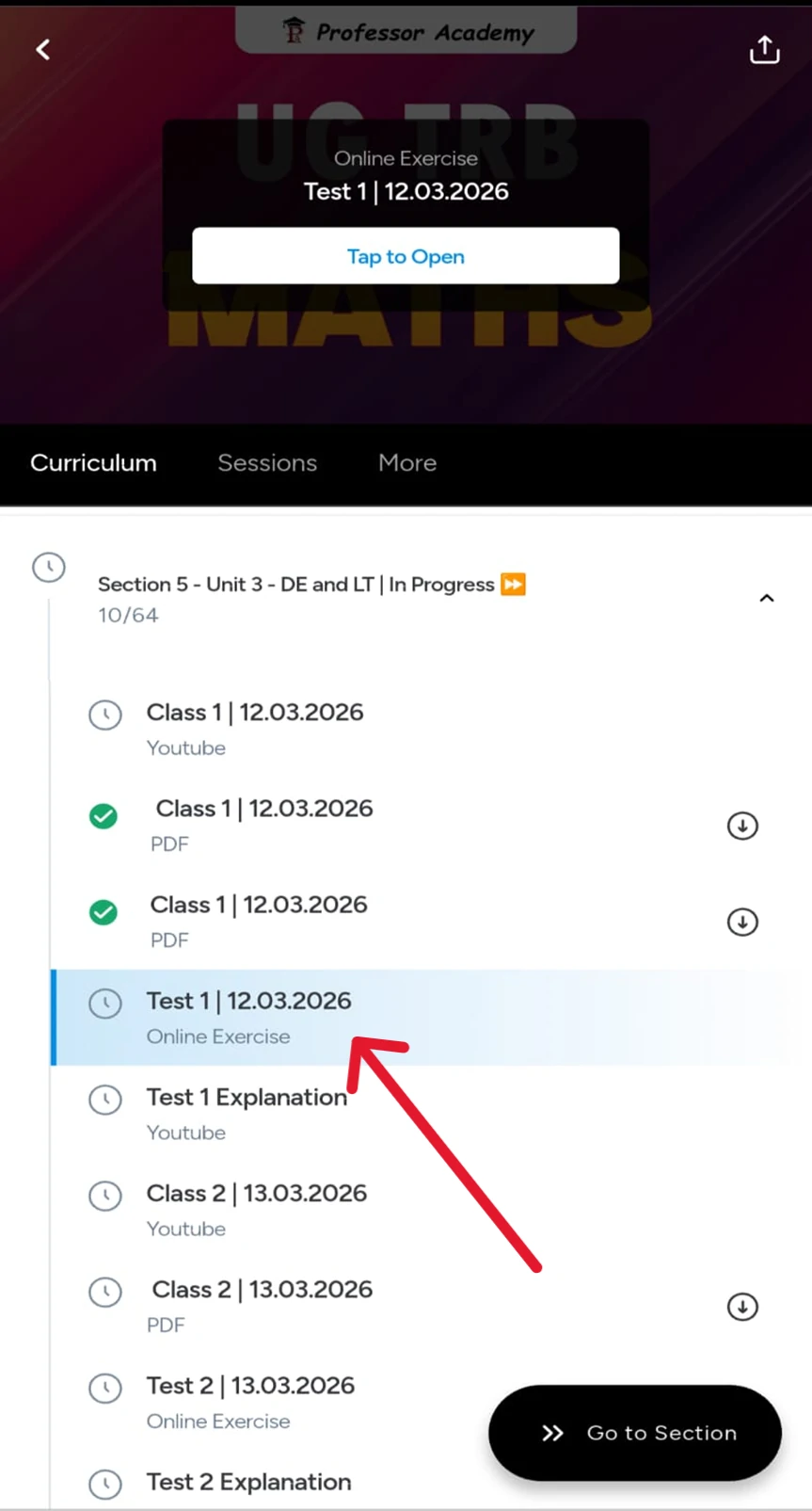
Step 3
Click the unit for the class, notes and for test and click on the test to attend it
Step 4
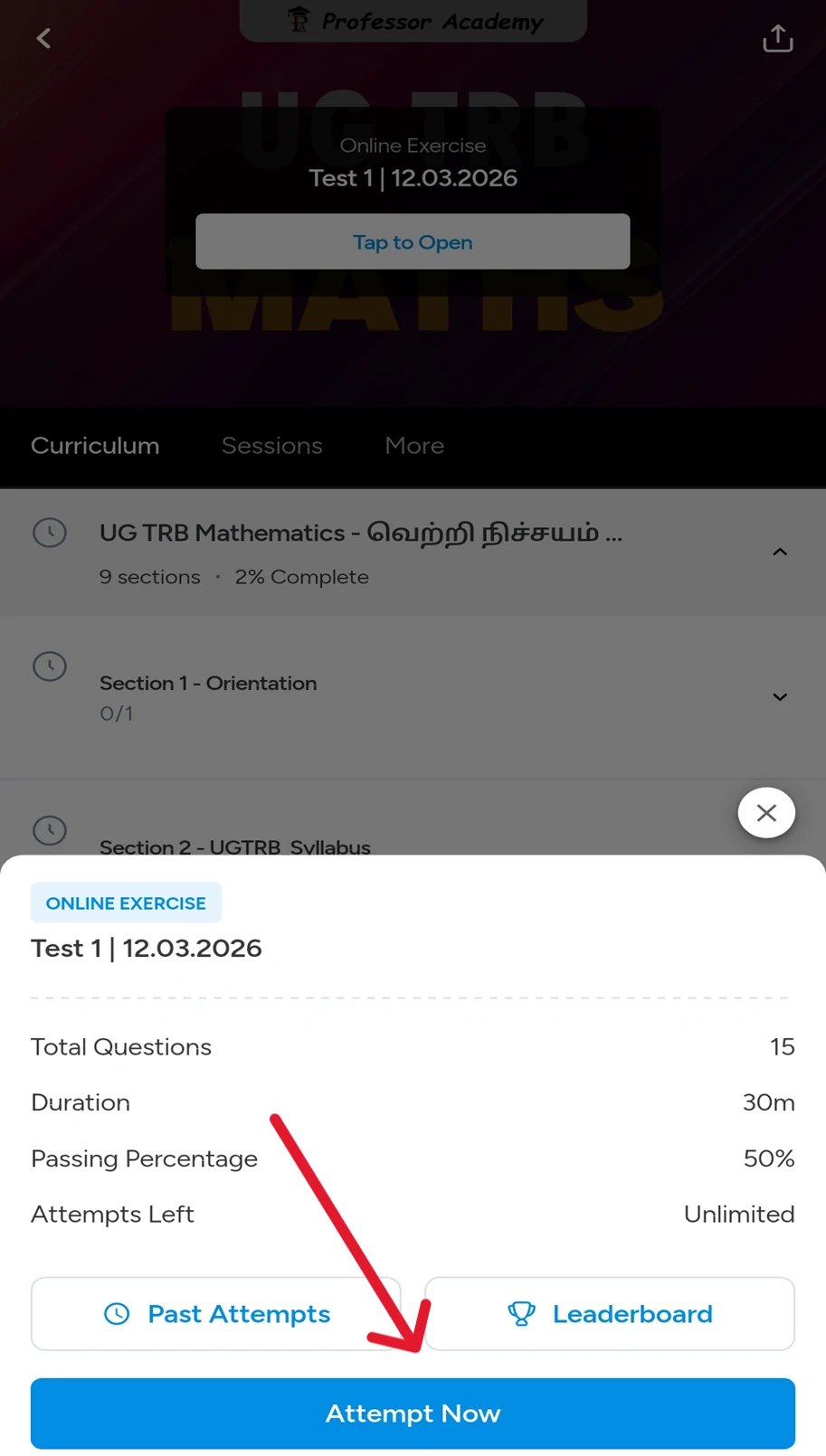
Click on “Attempt Now” to begin the test.
Step 5
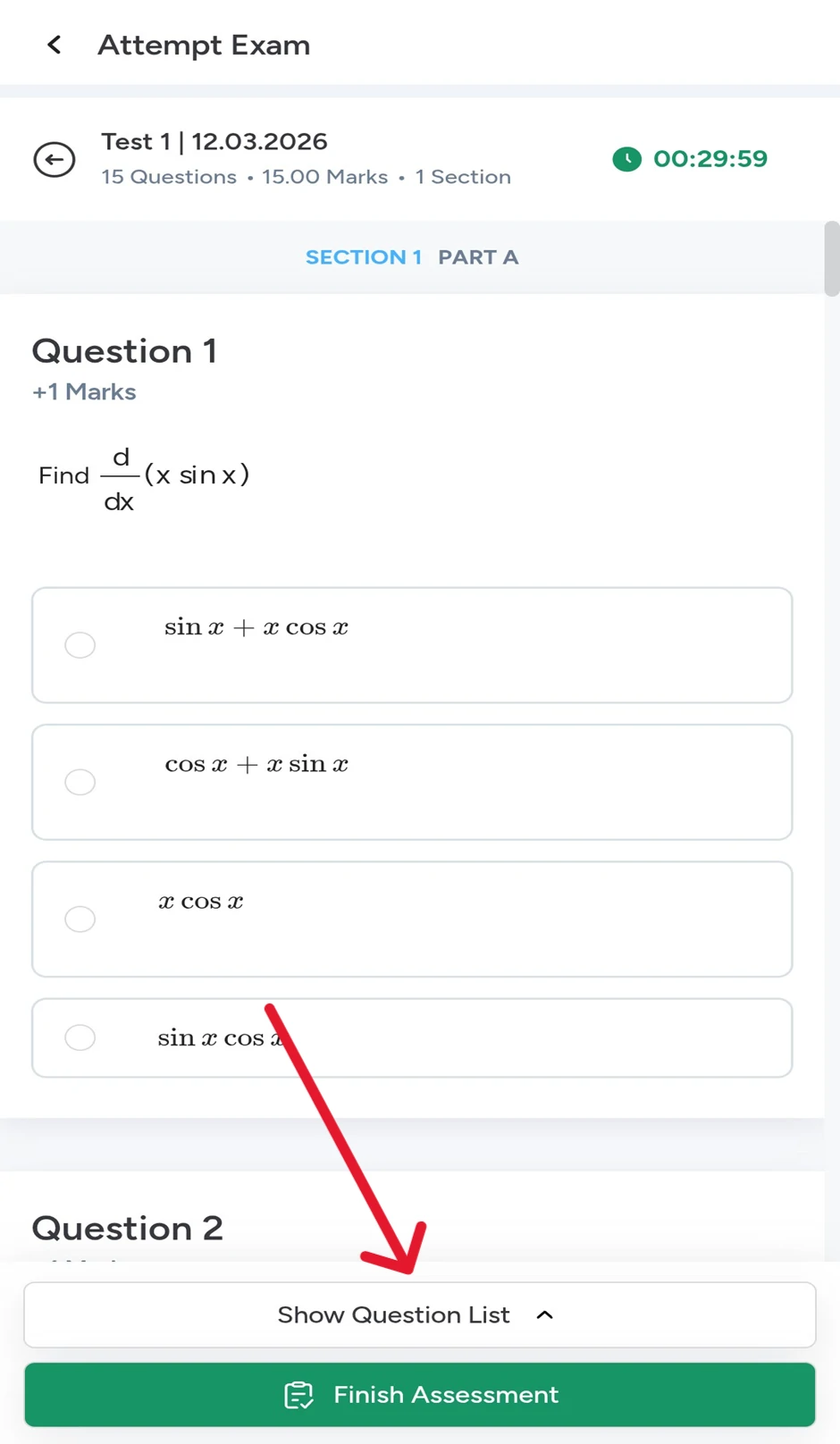
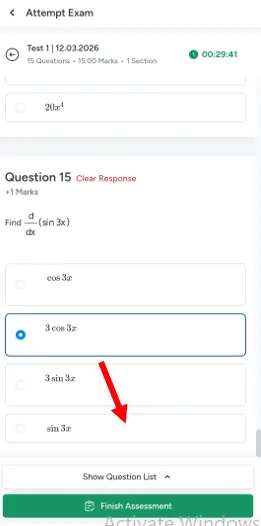
Attempt all the questions
Step 6
Click the “Show Question List”
Step 7
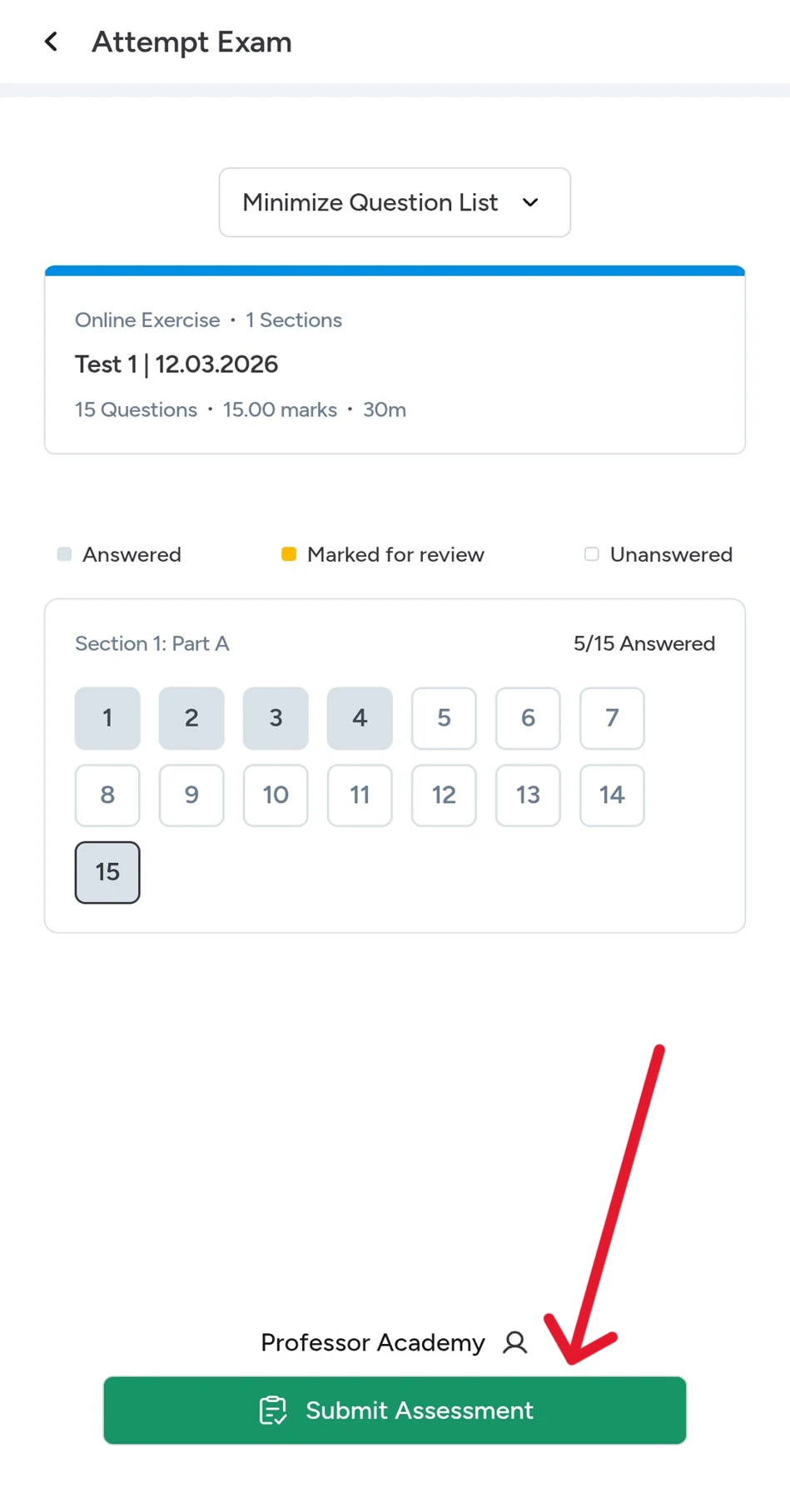
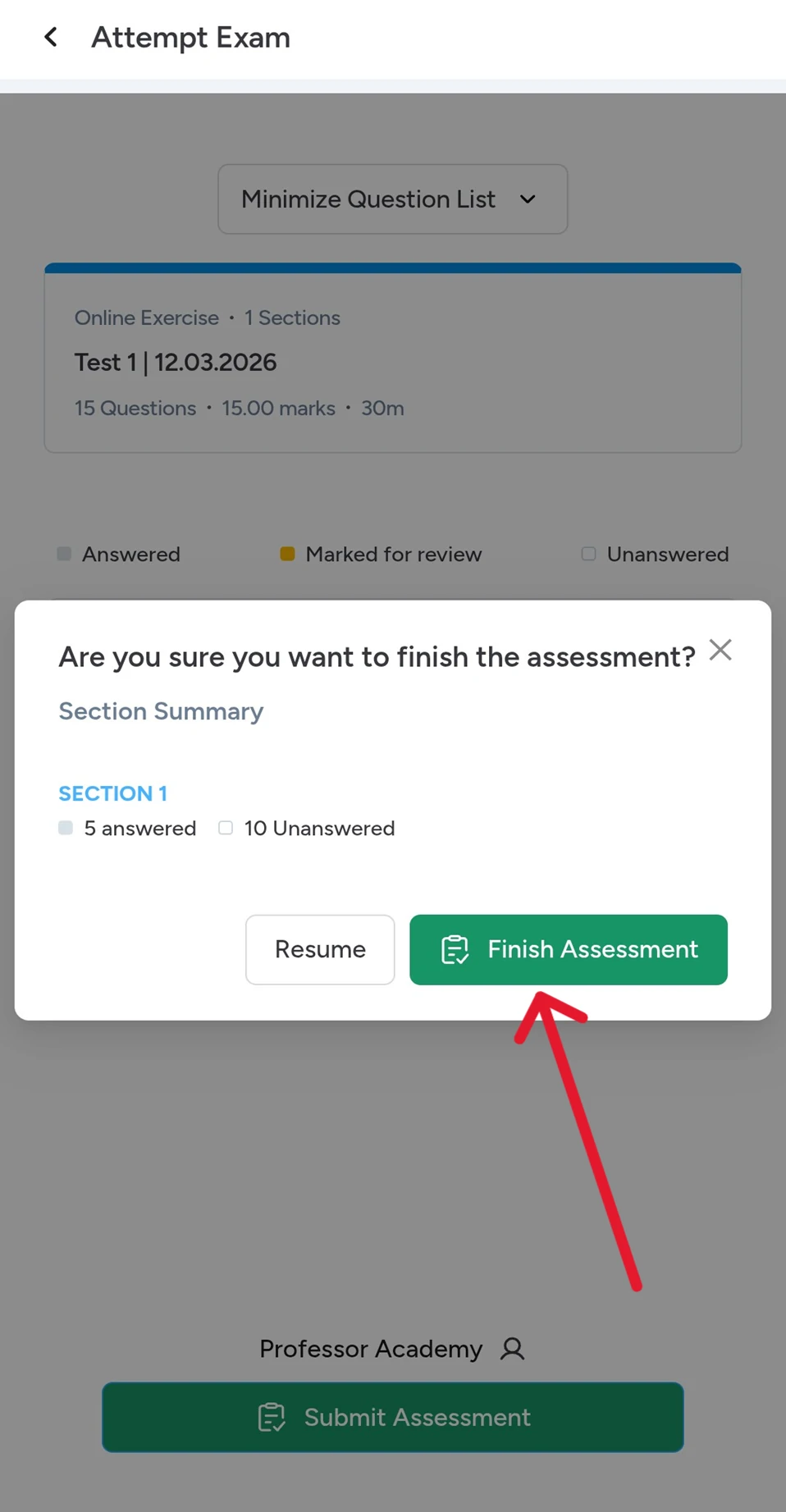
Then click on the “Submit Assessment” option
Step 8
Click on the “Finish Assessment” option to confirm the submission
Step 9
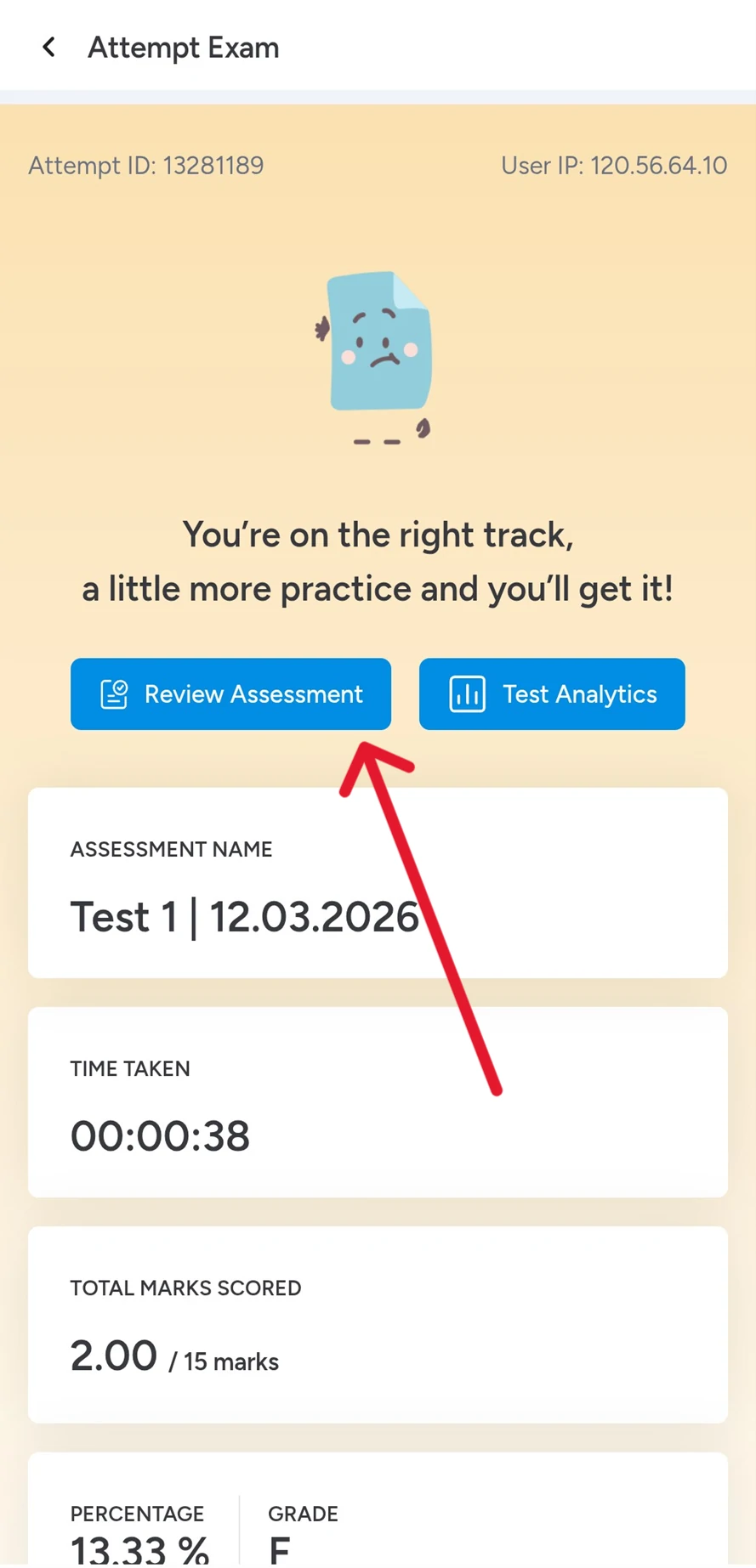
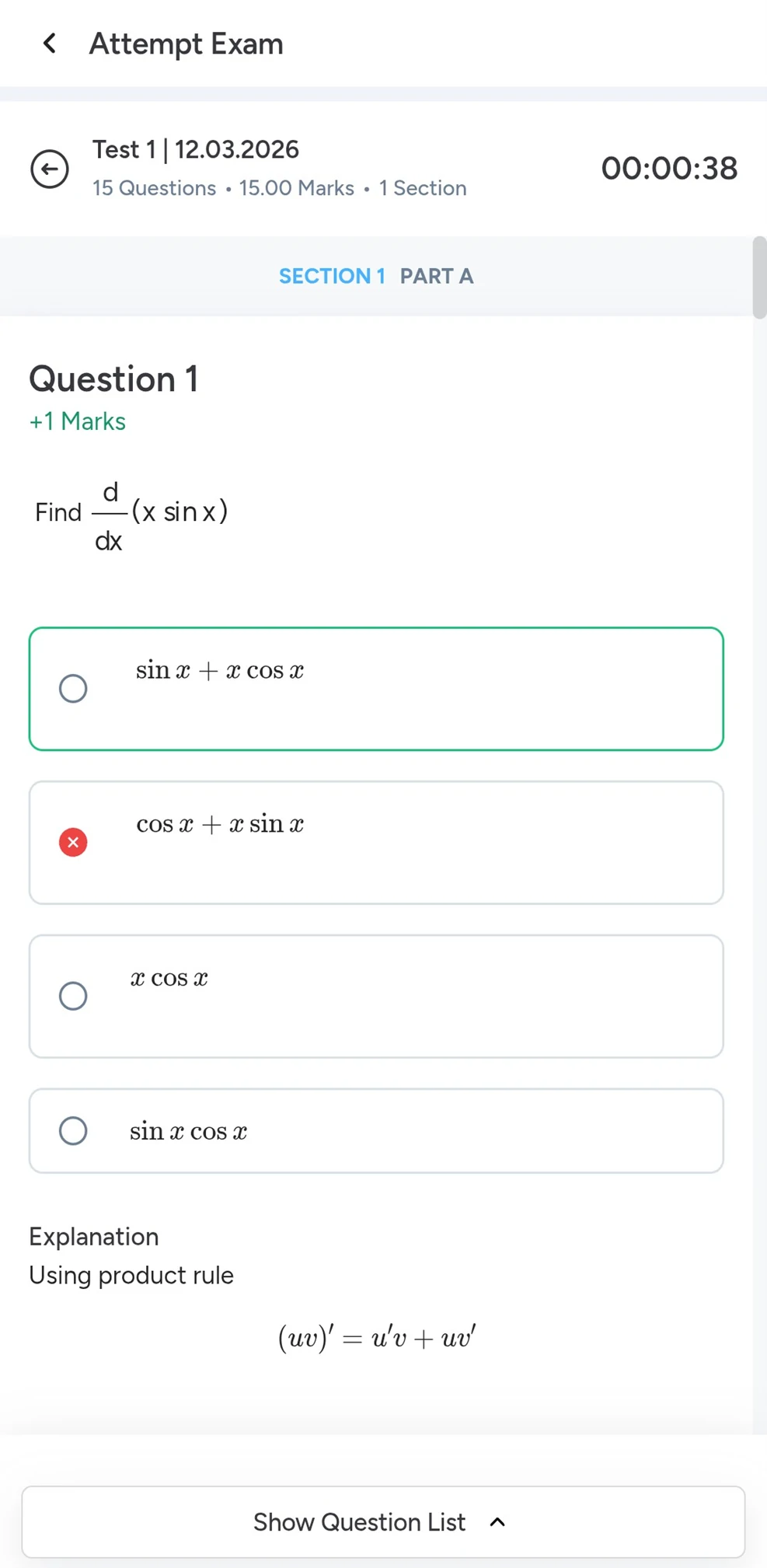
Click on the “Review Assessment” option to view the explanations along with the answers
Step 10
After submitting the test, click Review Assessment to see correct answers, wrong answers, and explanations
Hi!
50% Concession for PWD & Transgender Aspirants
Fill out the form now and claim your 50% concession!