Happy Teacher’s Day! Celebrate Learning & Growth
How to Pay the Installment Before the Due Date on the Web Application
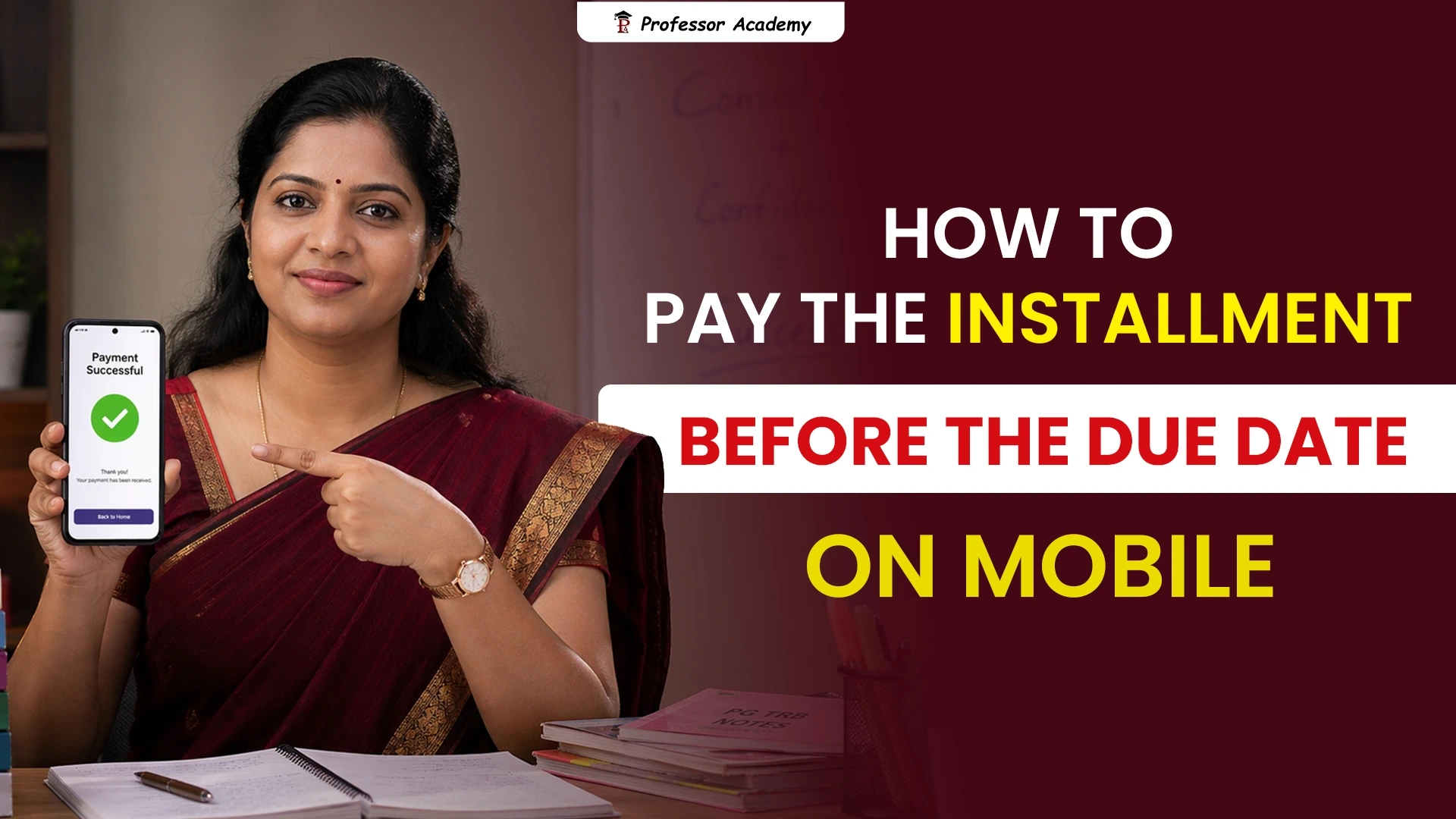
How to Pay the Installment Before the Due Date on Mobile App
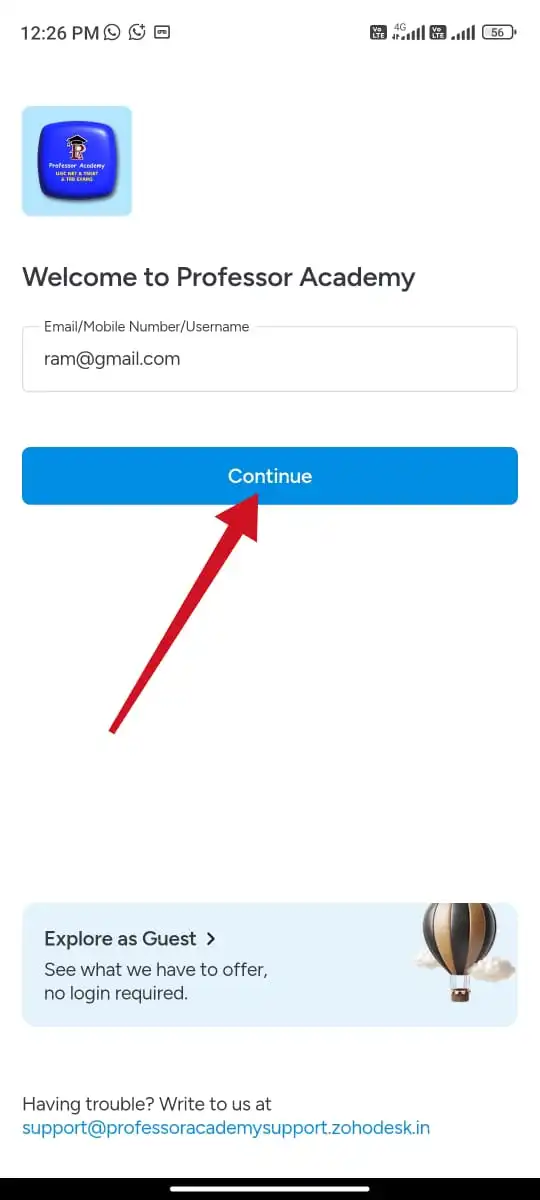
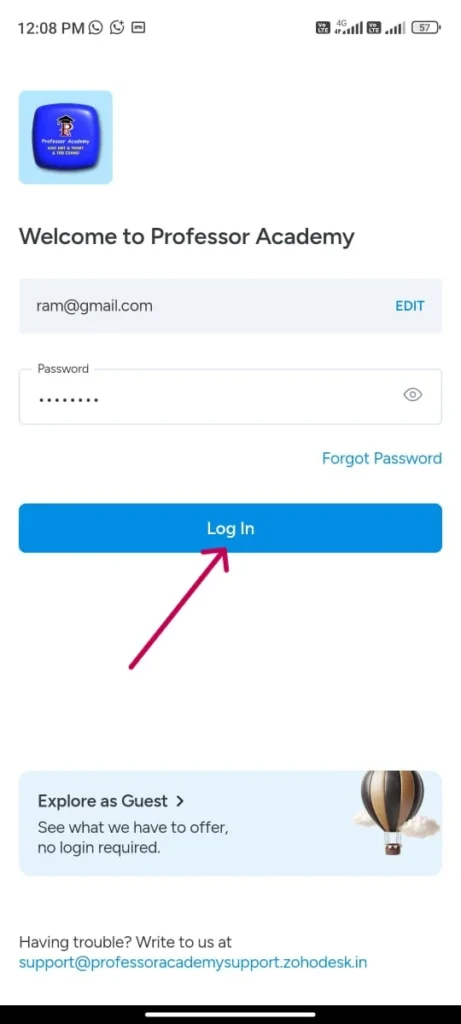
Step 1
Please enter your login credentials (email / user name / phone number and password) to access classes
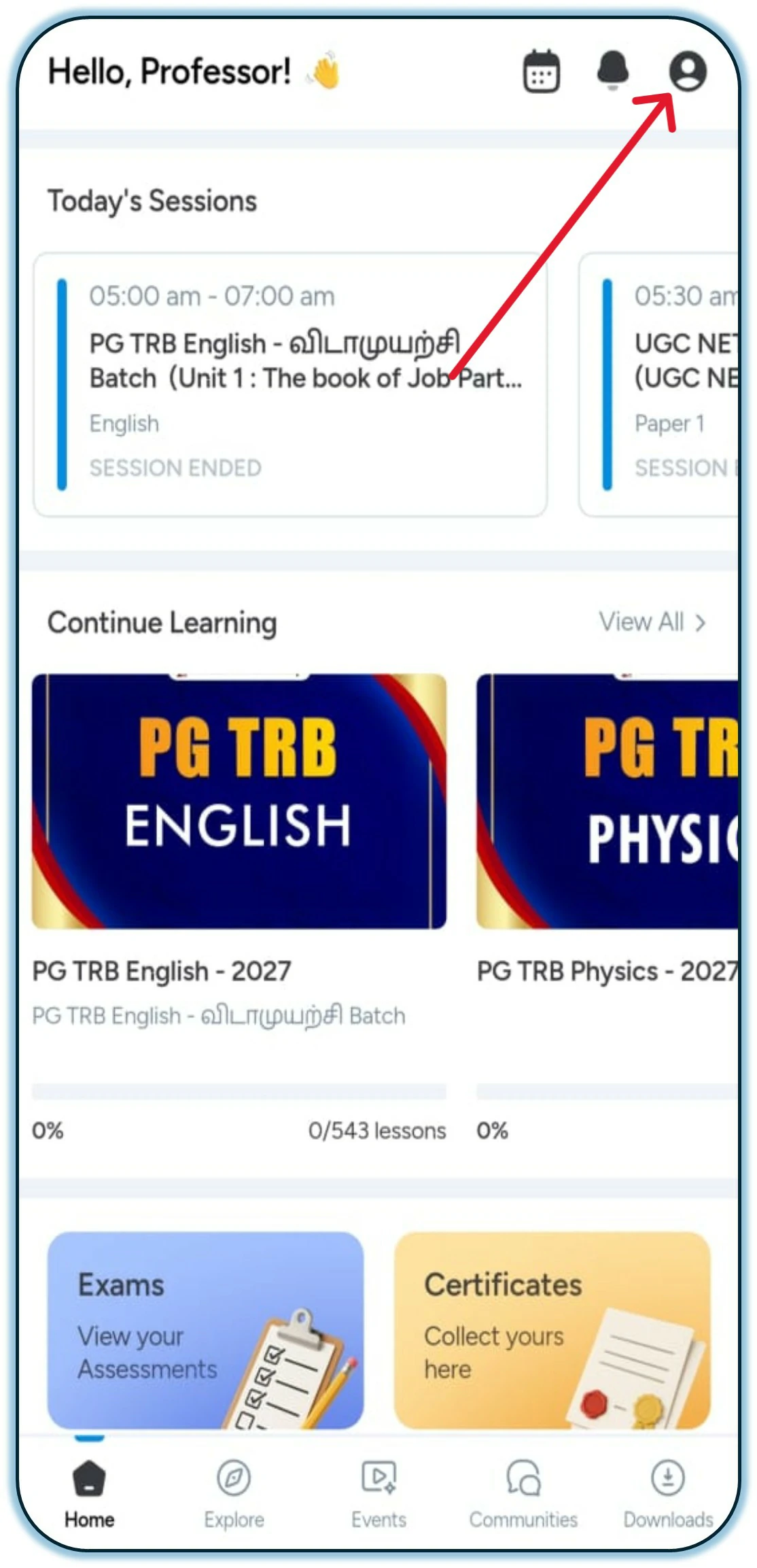
Step 2
Click the profile icon in the top right corner of the app on the Home Page.
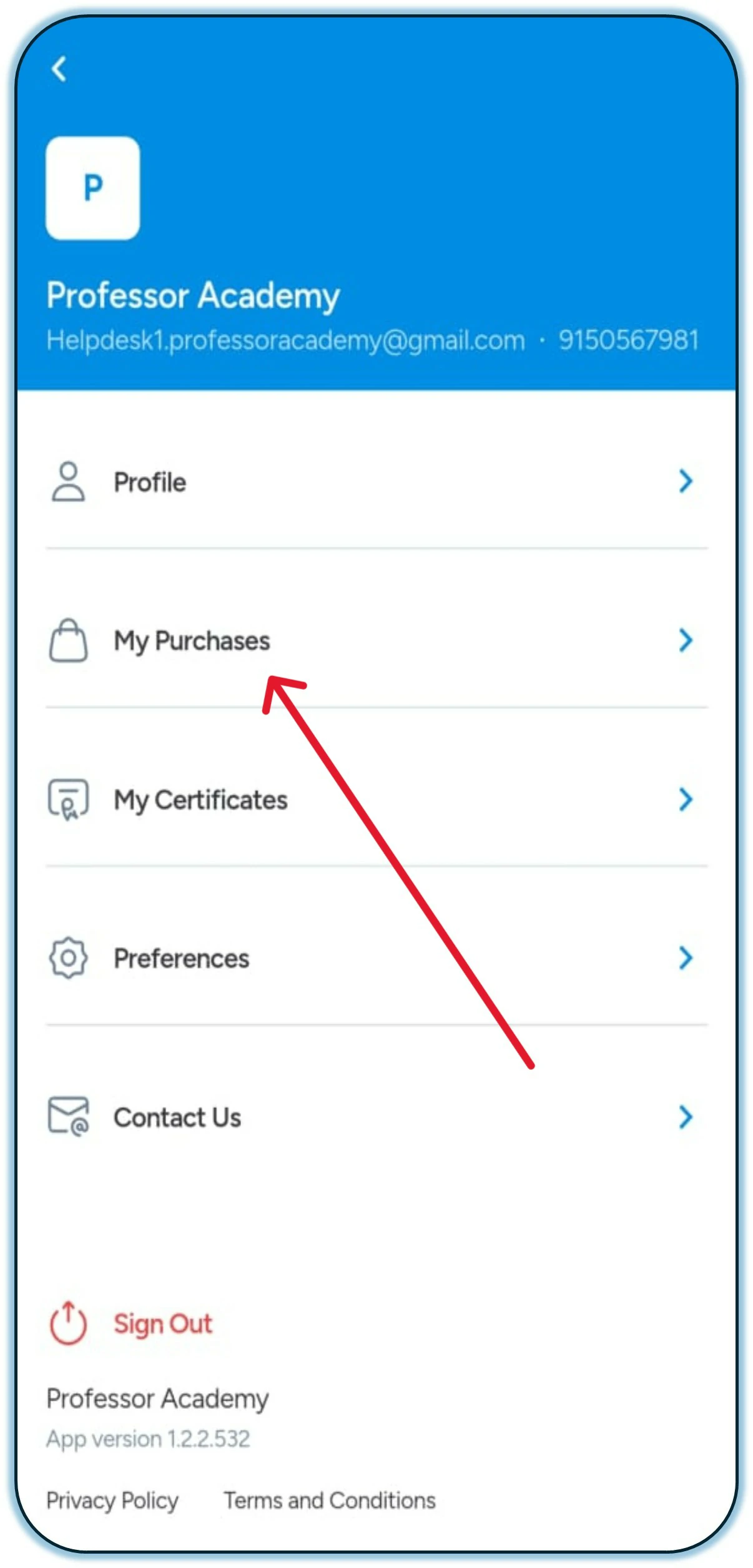
Step 3
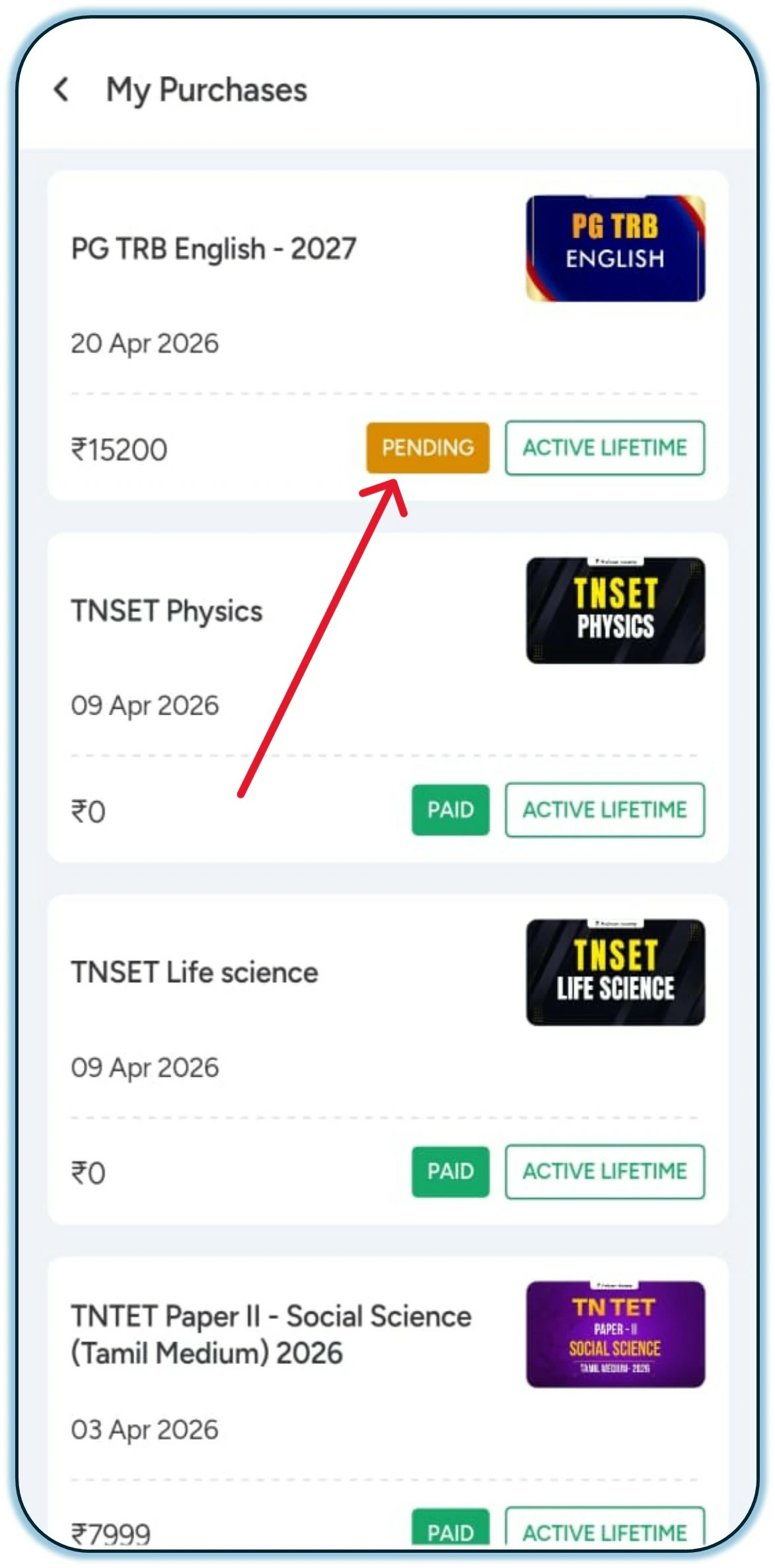
Click on the “My Purchases” option.
Step 4
Click on “Pending” to pay the installment amount.
Step 5
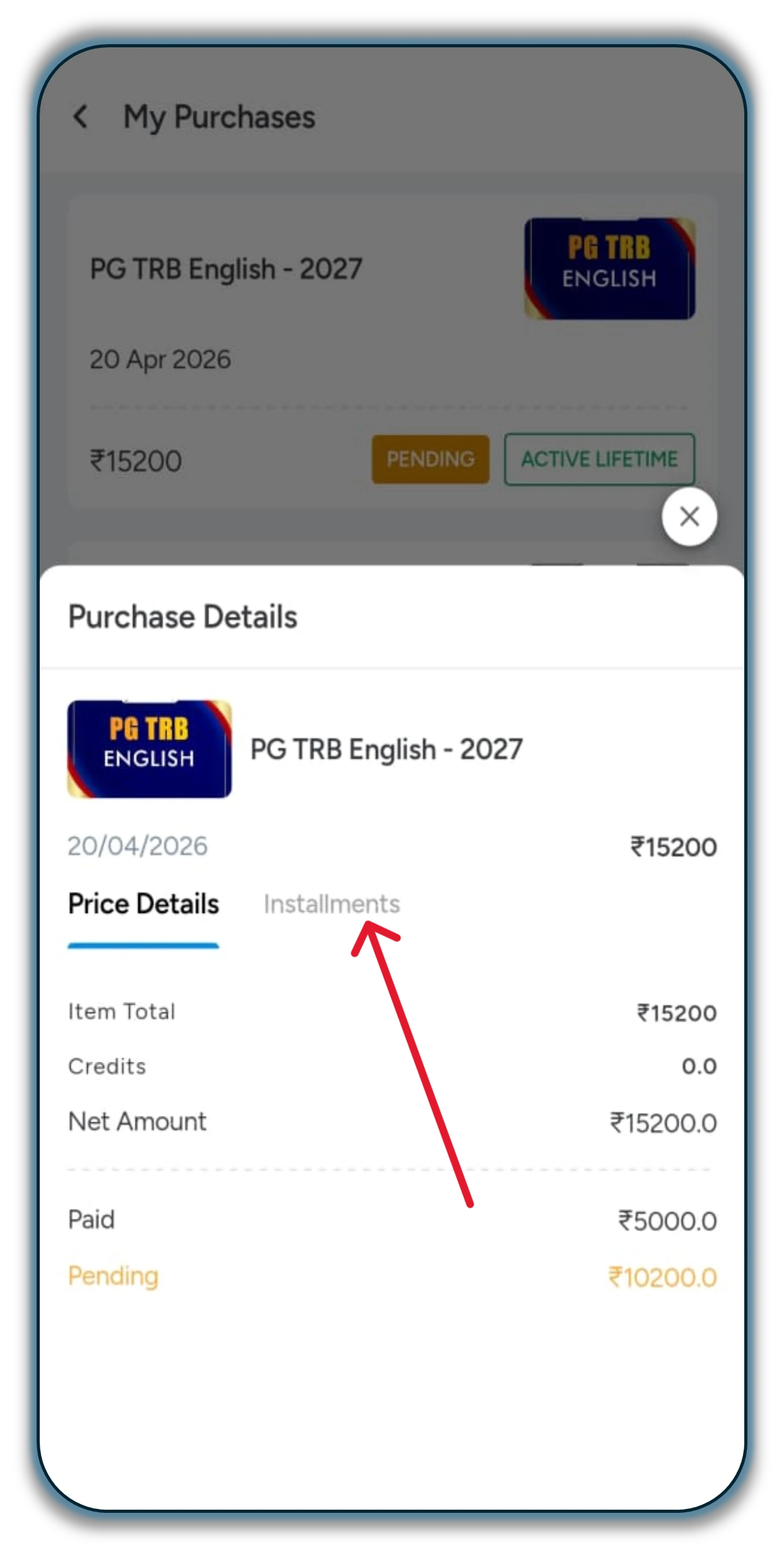
After selecting “Pending,” kindly click on the “Installment” option.
Step 6
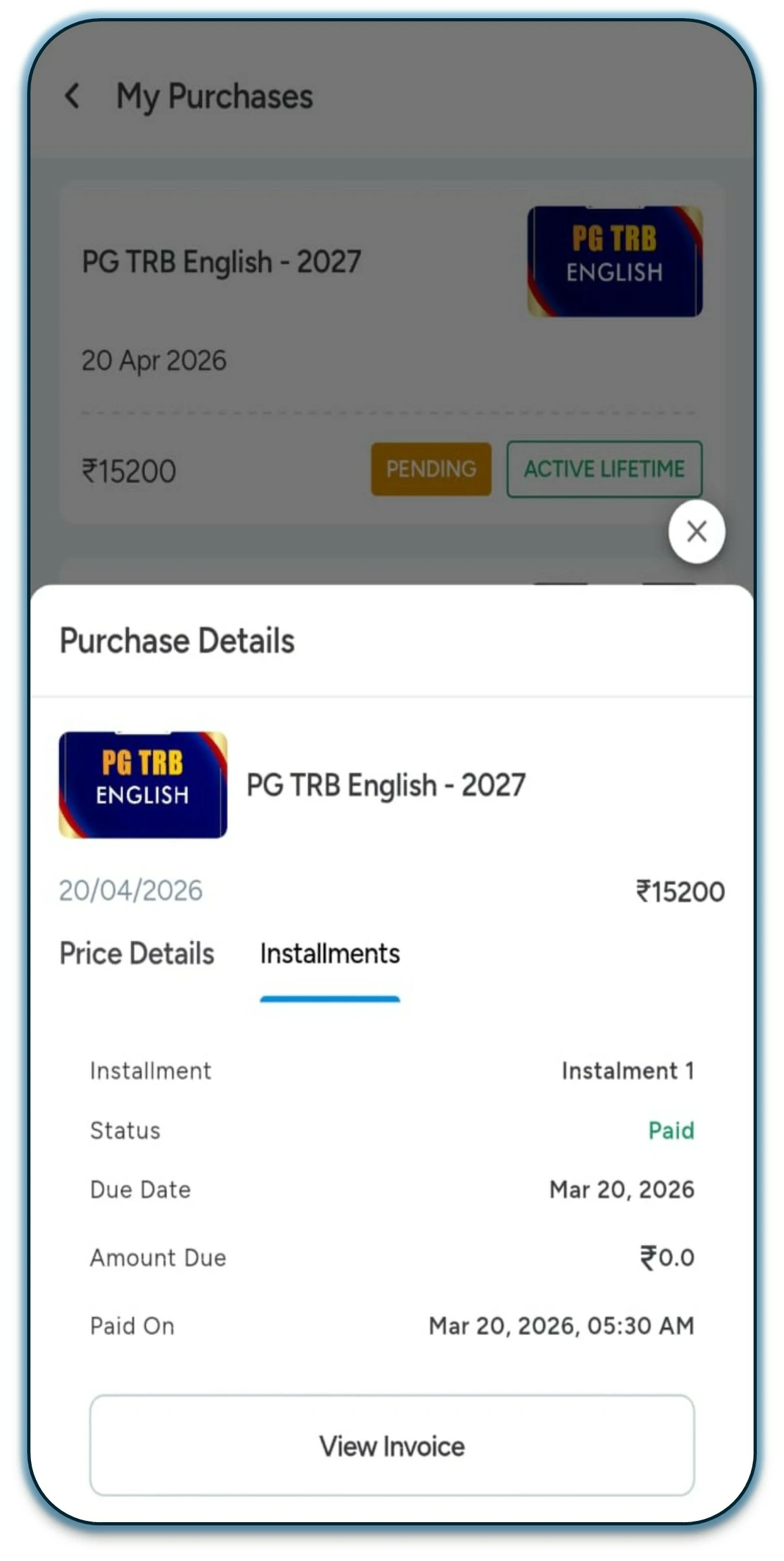
Scroll down the page to proceed with the next steps.
Step 7
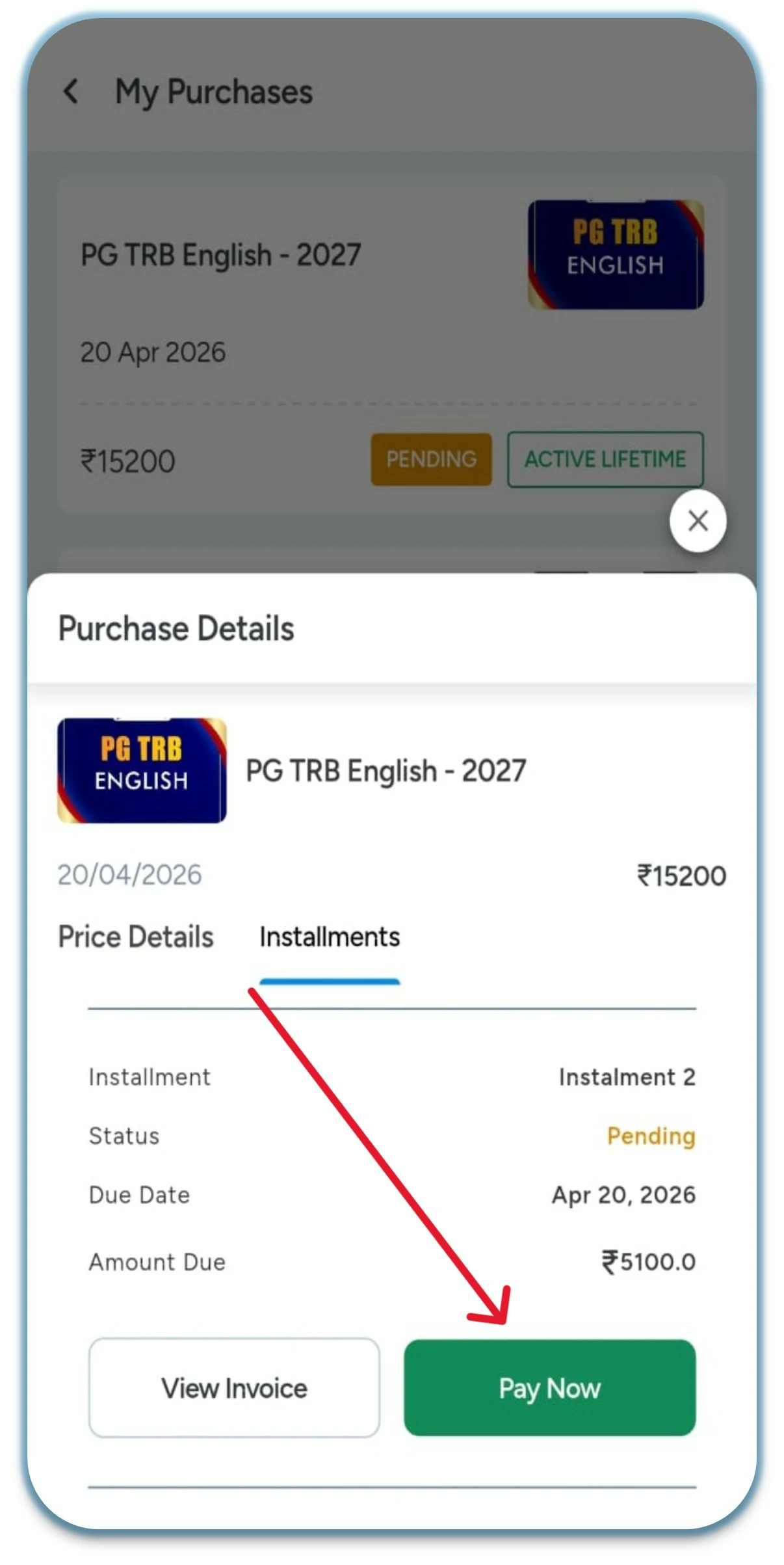
Click on the “Pay Now” option.
Step 8
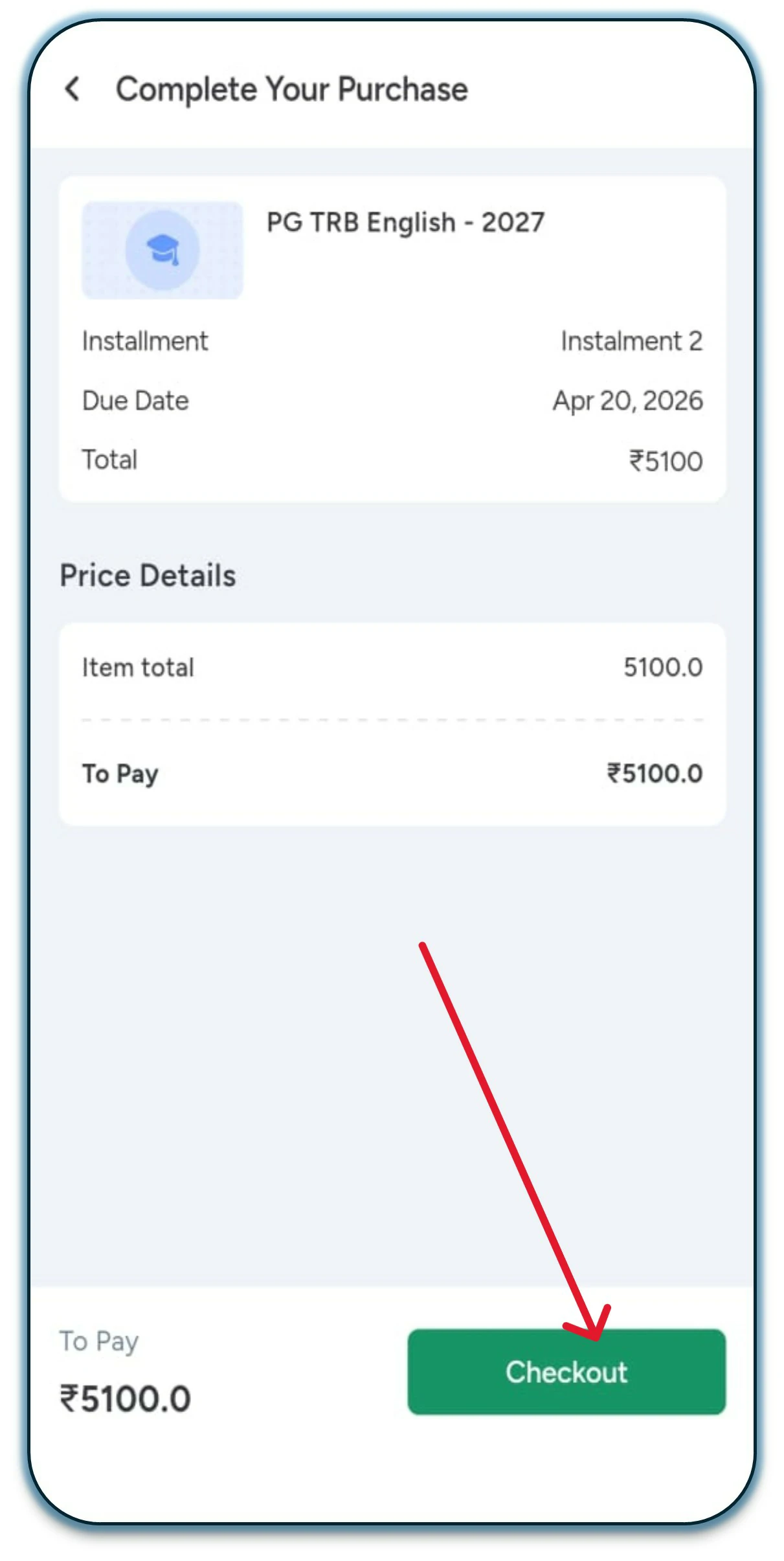
Click on the “Checkout” option.
Step 9
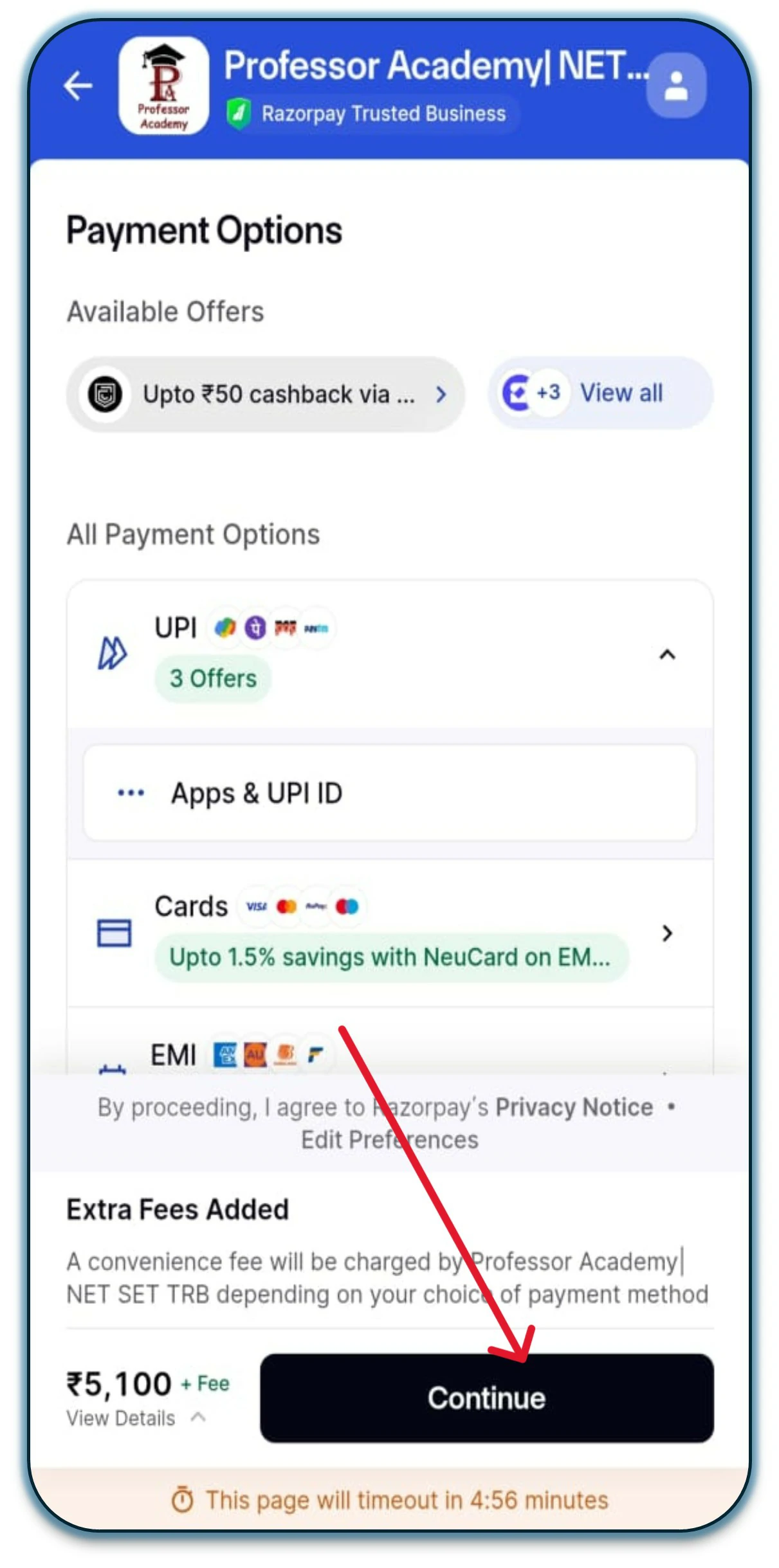
Select any Net Banking option, then click on “Continue” to proceed with the 2nd installment.
Hi!
50% Concession for PWD & Transgender Aspirants
Fill out the form now and claim your 50% concession!