🎉 Explore Our Pooja Holidays Offer – from October 19 to 22!
How to Pay the Installment After the Due Date on the Web Application
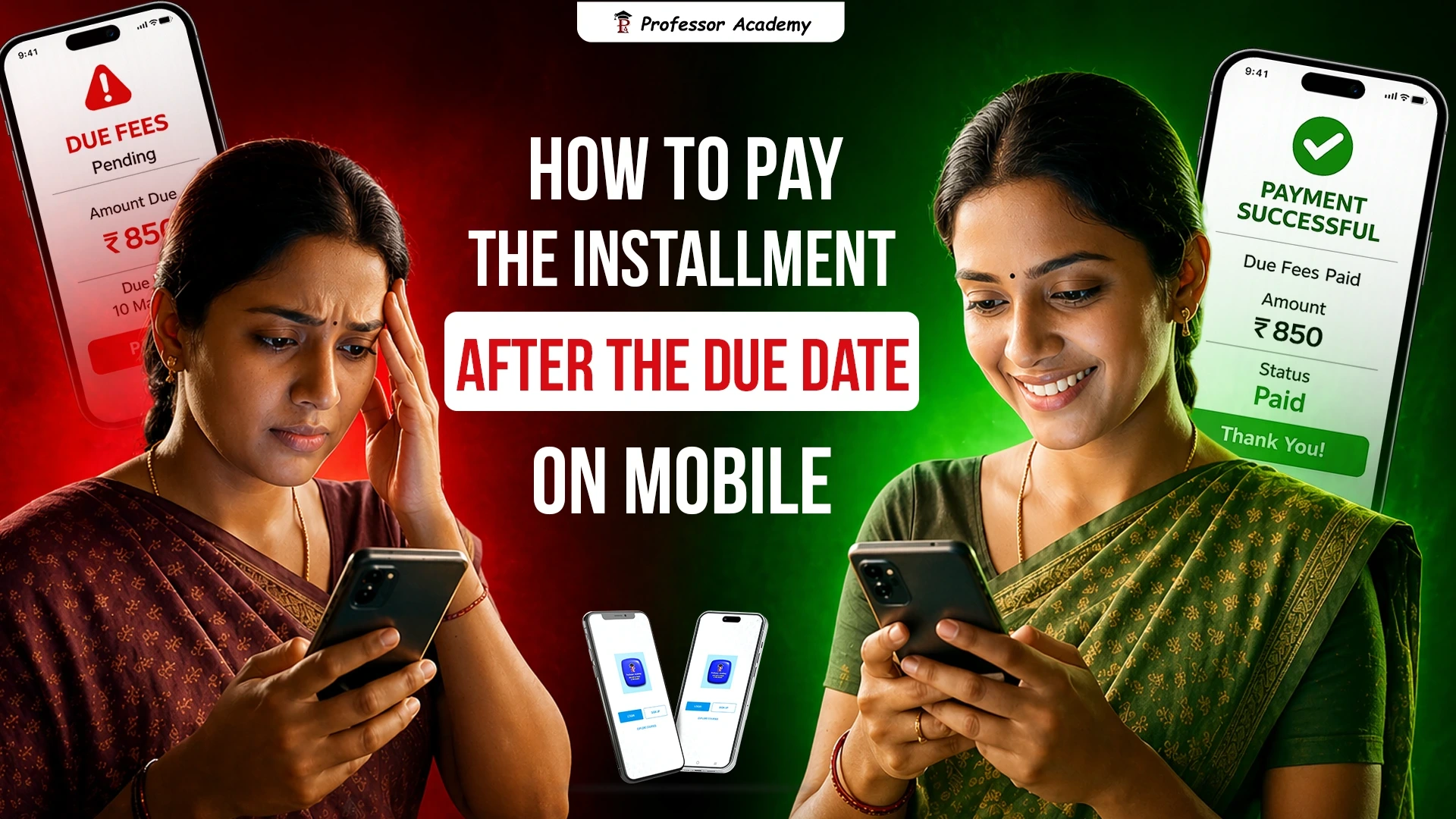
How to Pay the Installment After the Due Date on Mobile App
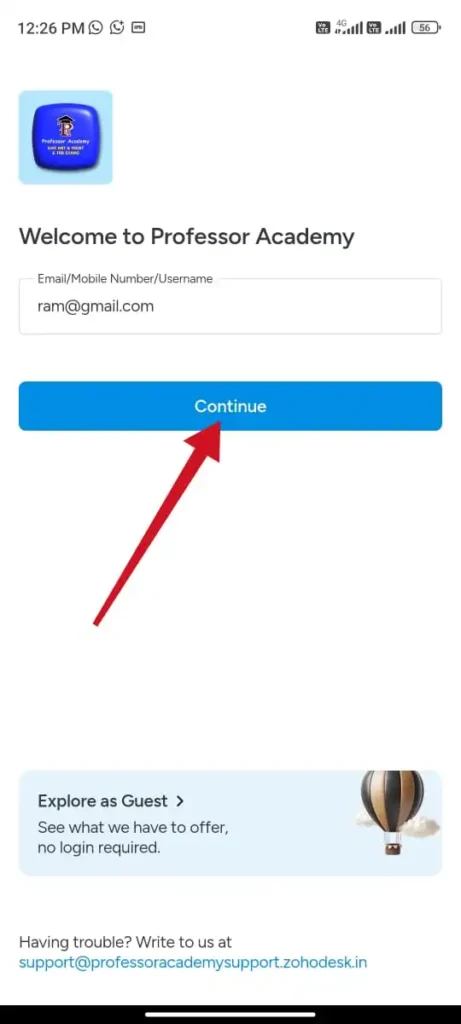
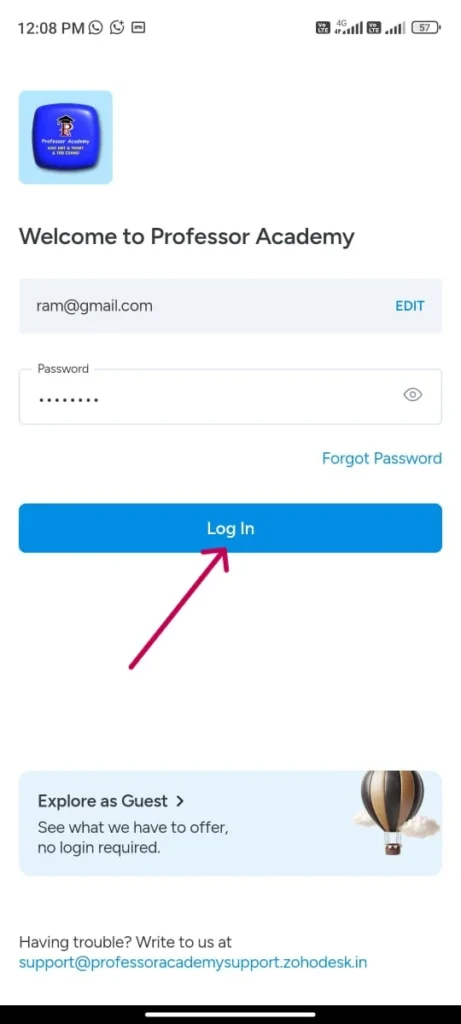
Step 1
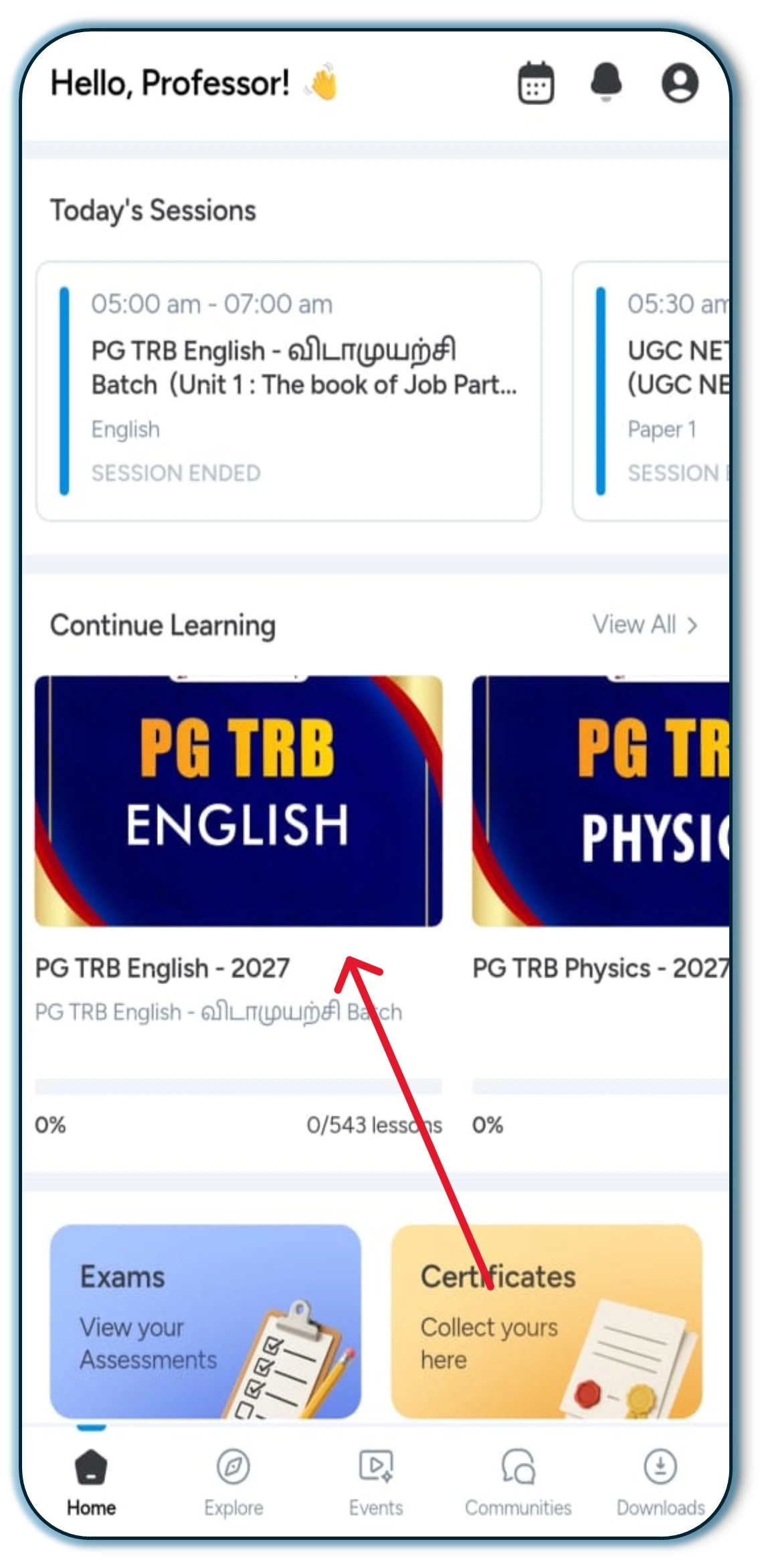
Step 2
Click on the course you have enrolled in
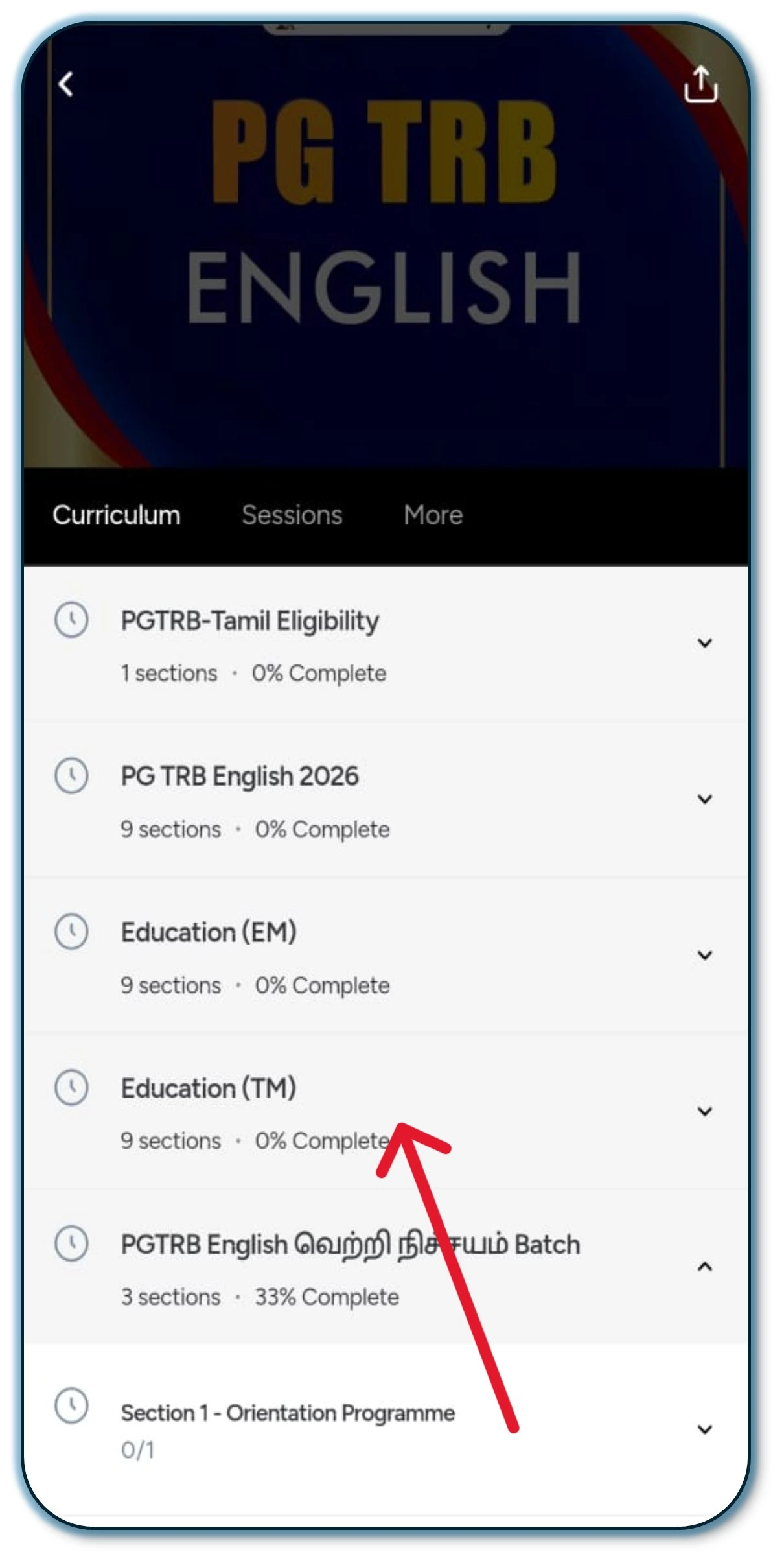
Step 3
Click on the Section you want to access.
Step 4
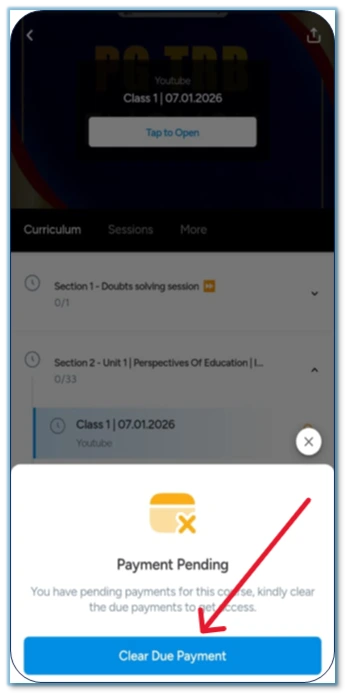
If the pending payment is not completed, your classes will not be accessible. Kindly complete the due payment to continue access.
Step 5
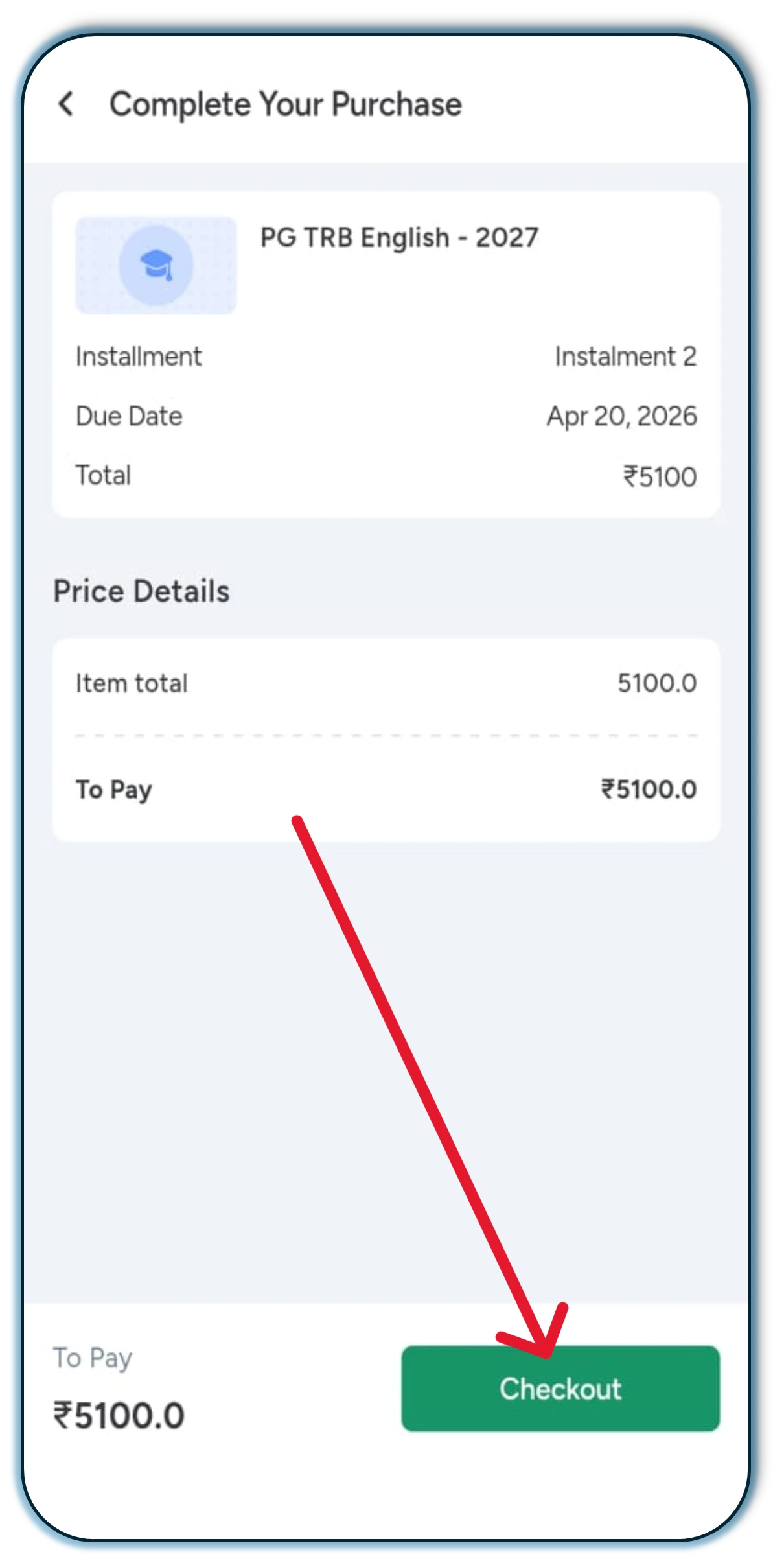
Click on the “Checkout” option.
Step 6
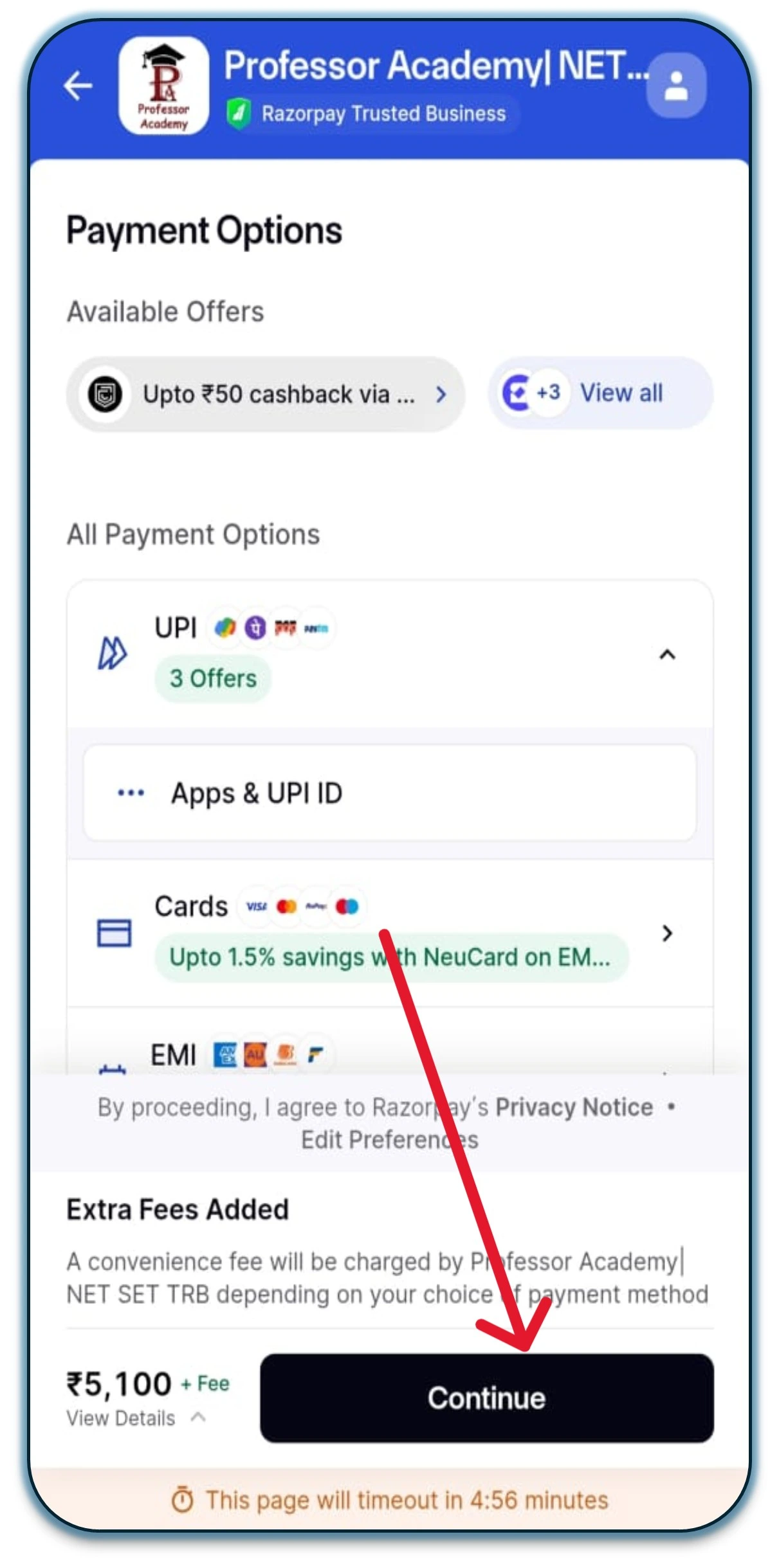
Select any Net Banking option, then click on “Continue” to proceed with the 2nd installment.
Hi!
50% Concession for PWD & Transgender Aspirants
Fill out the form now and claim your 50% concession!