🎉 Explore Our Pooja Holidays Offer – from October 19 to 22!
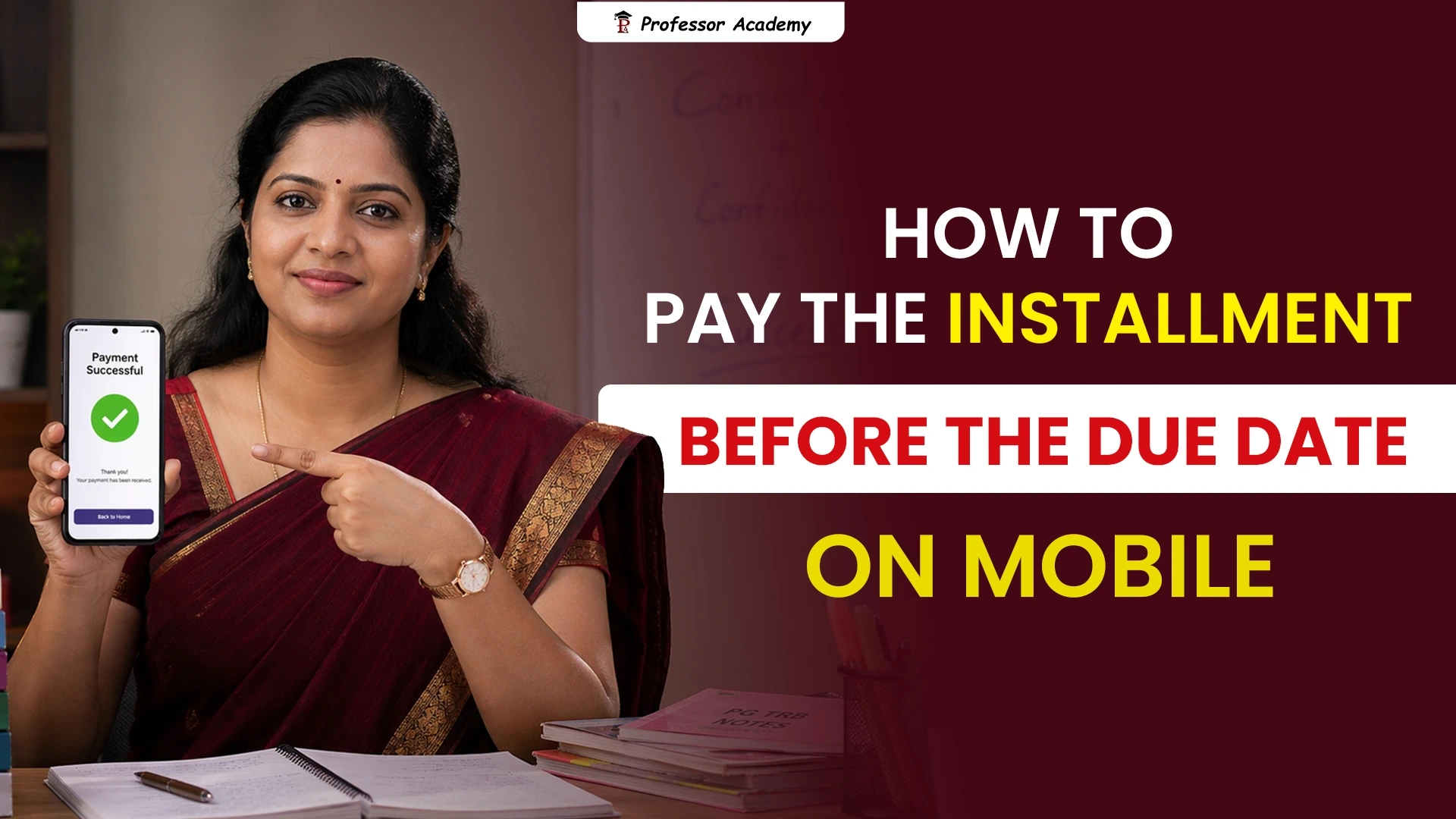
How to Pay the Installment Before the Due Date on the Web Application
How to Pay the Installment Before the Due Date on Mobile App
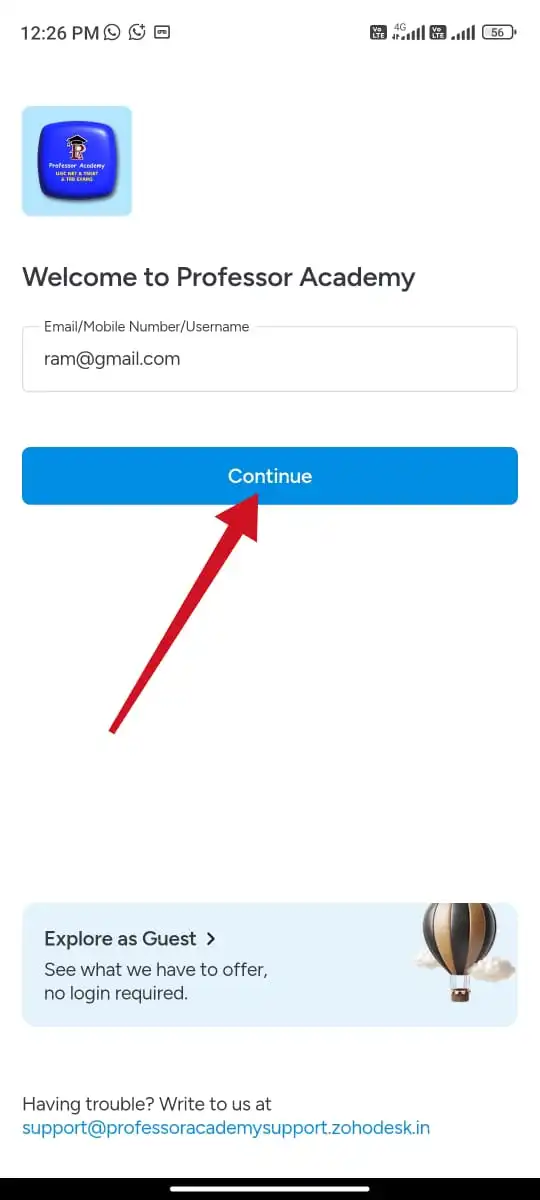
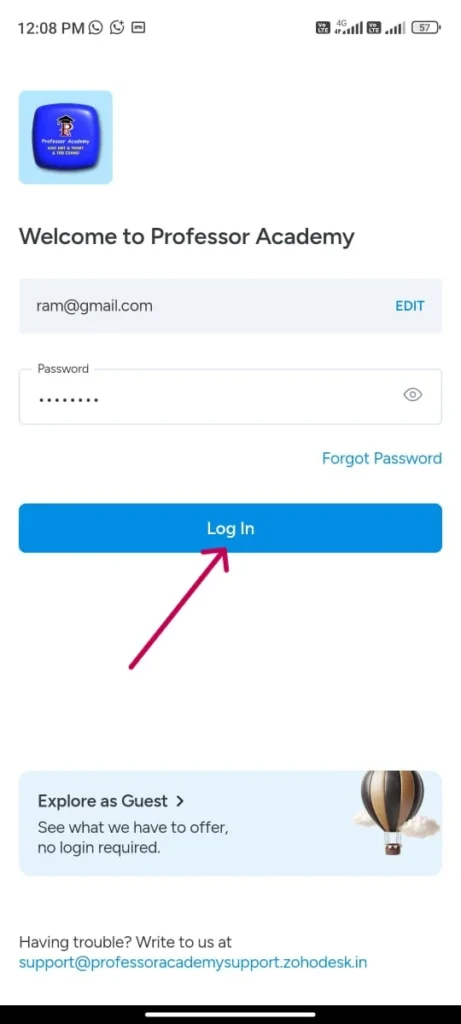
Step 1
Please enter your login credentials (email / user name / phone number and password) to access classes
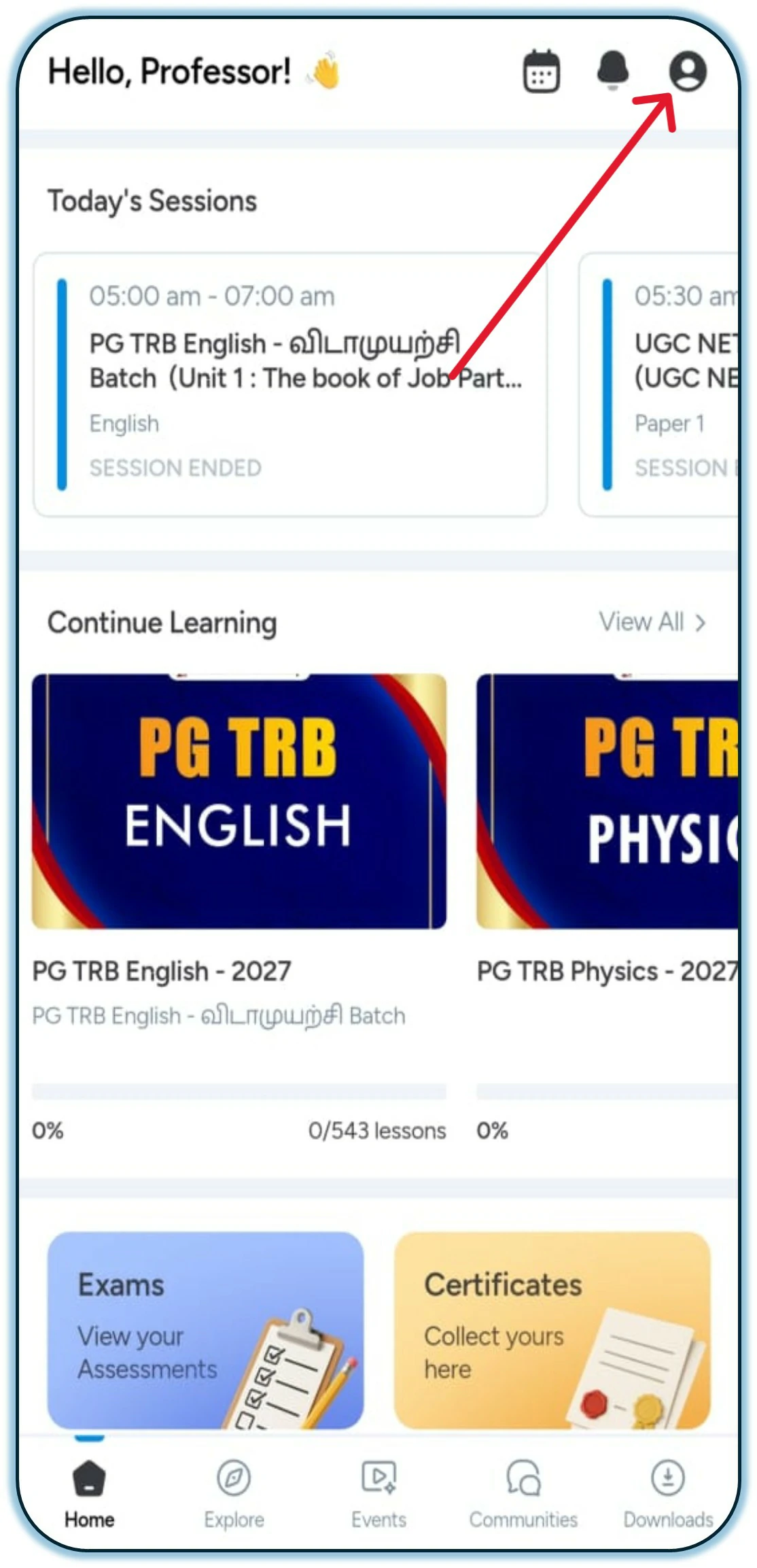
Step 2
Click the profile icon in the top right corner of the app on the Home Page.
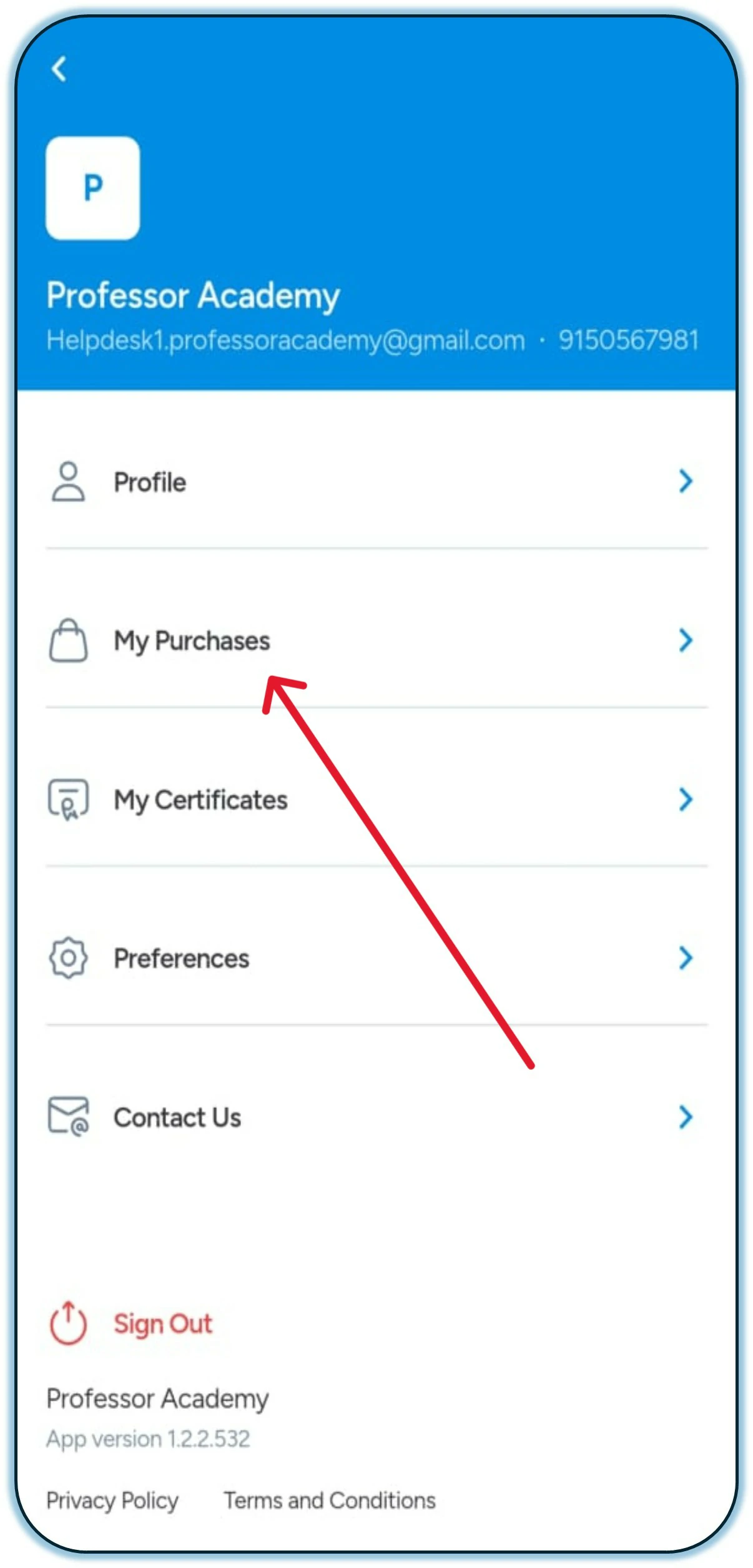
Step 3
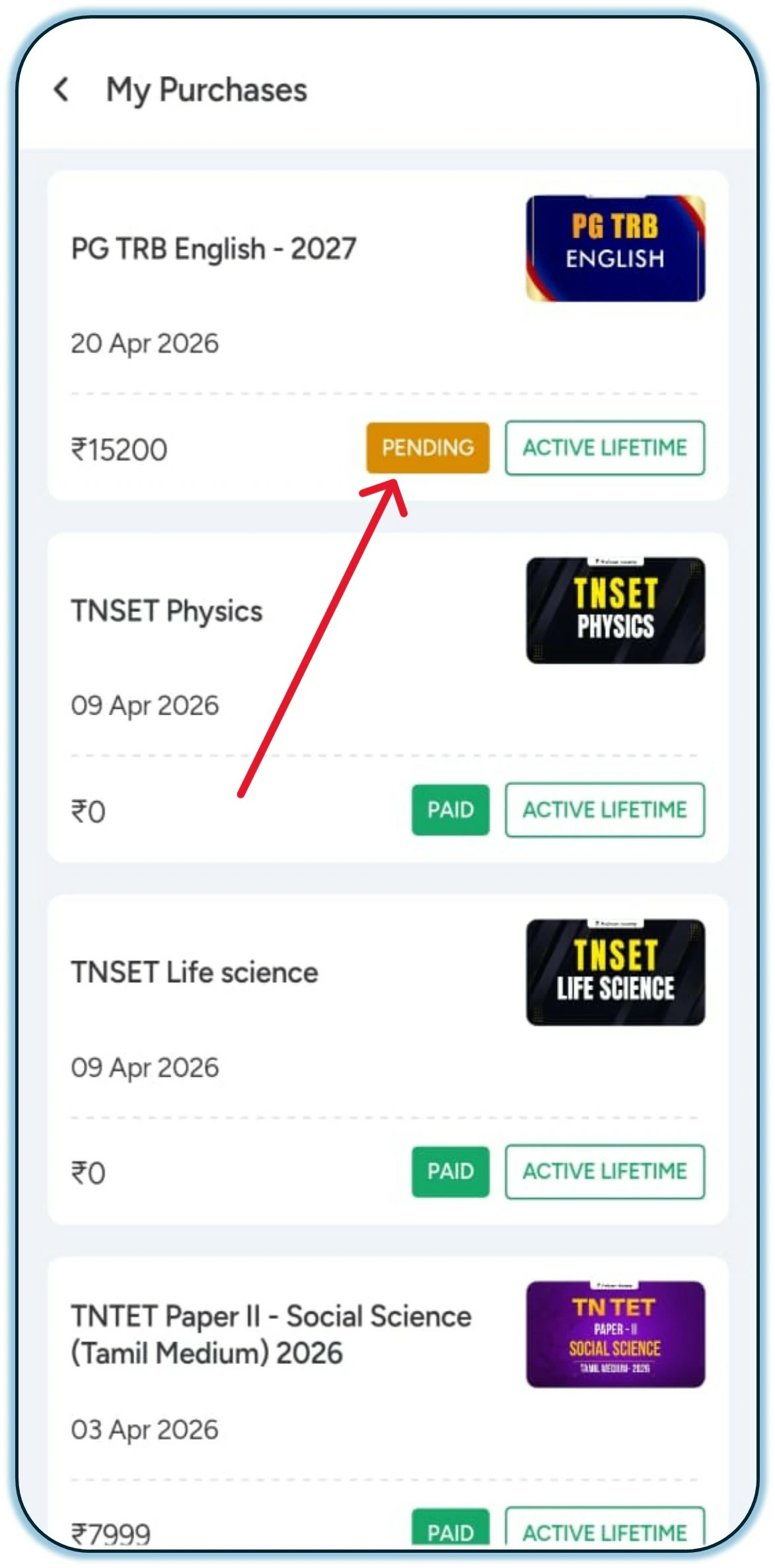
Click on the “My Purchases” option.
Step 4
Click on “Pending” to pay the installment amount.
Step 5
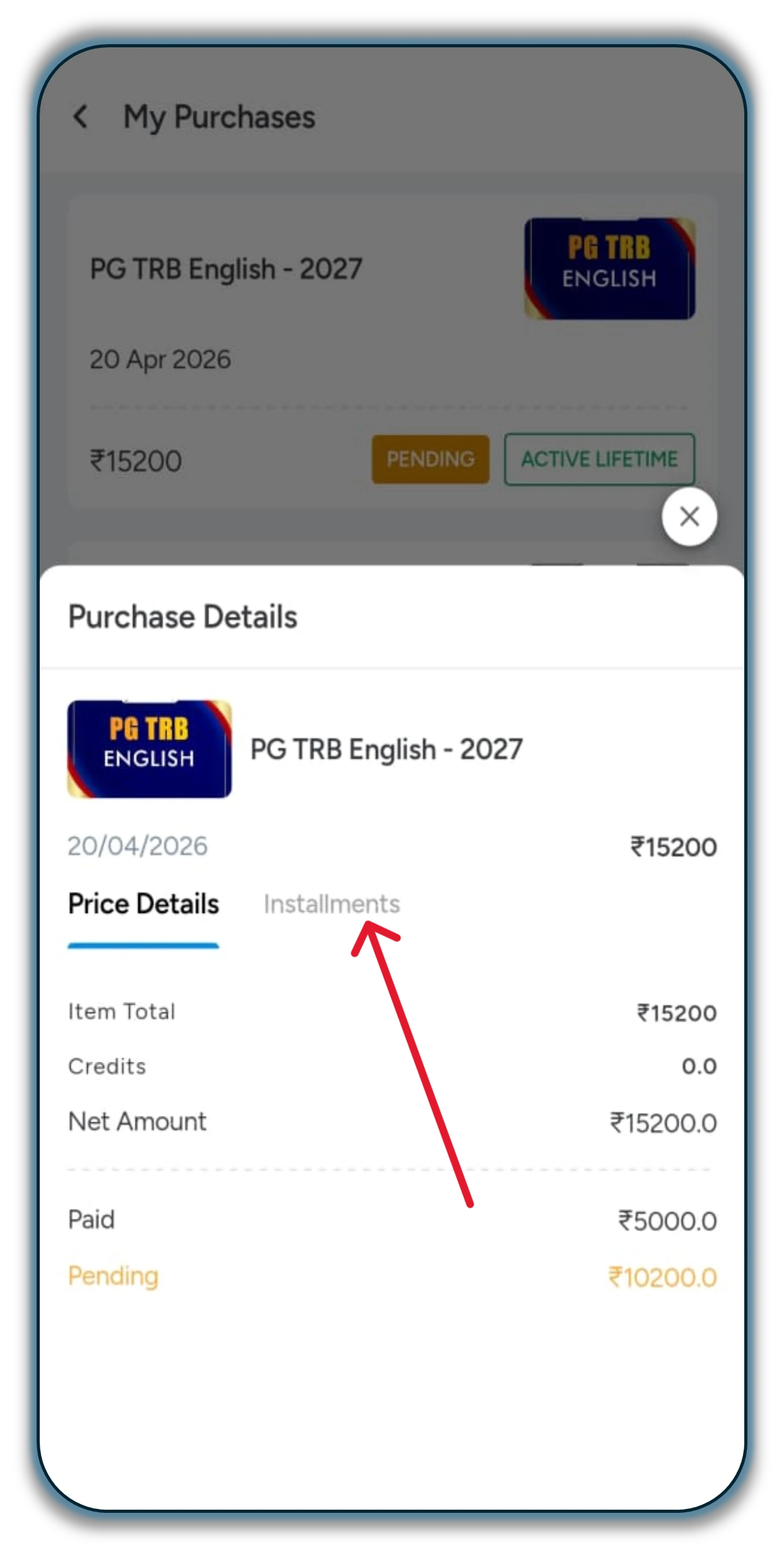
After selecting “Pending,” kindly click on the “Installment” option.
Step 6
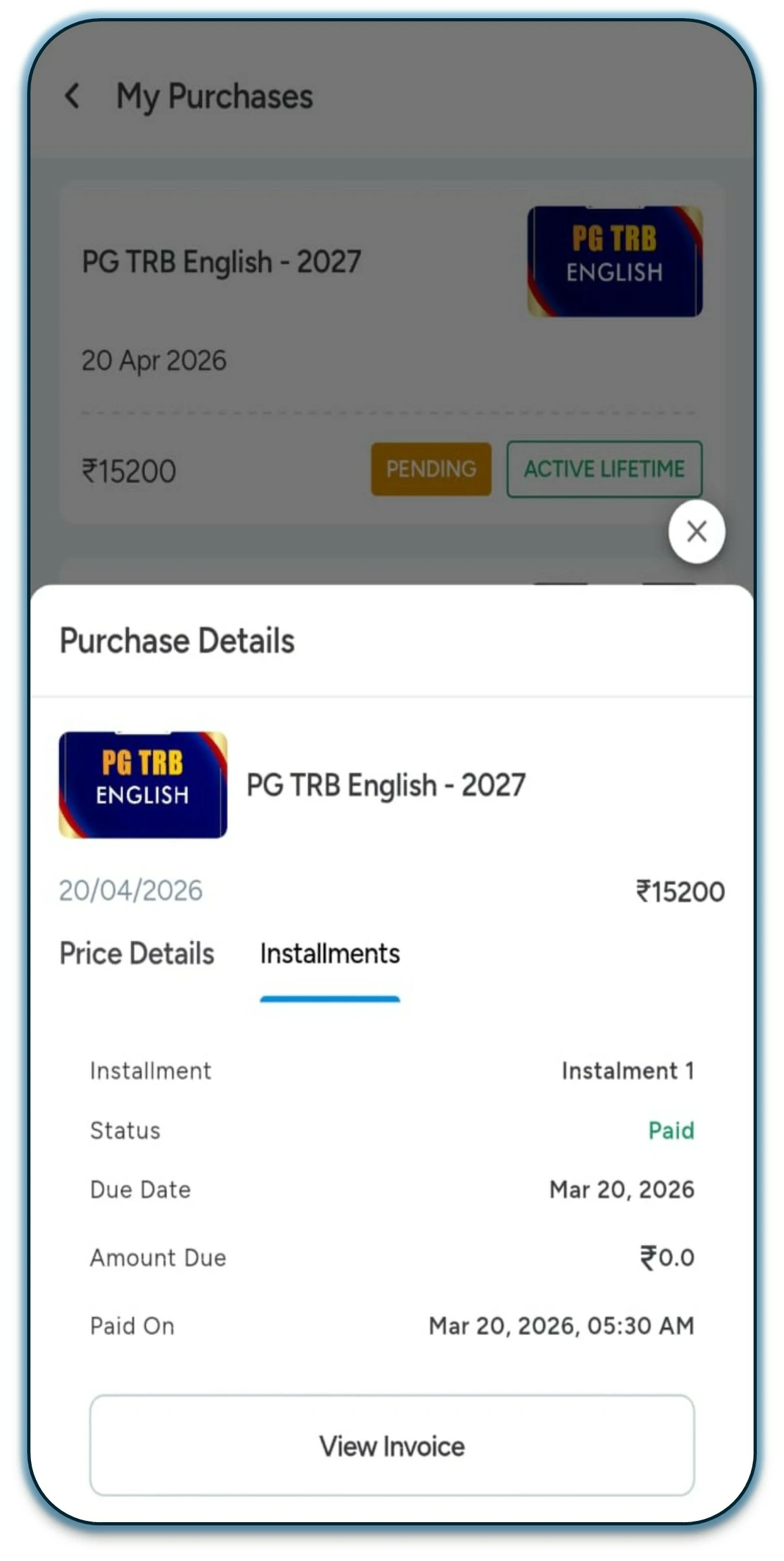
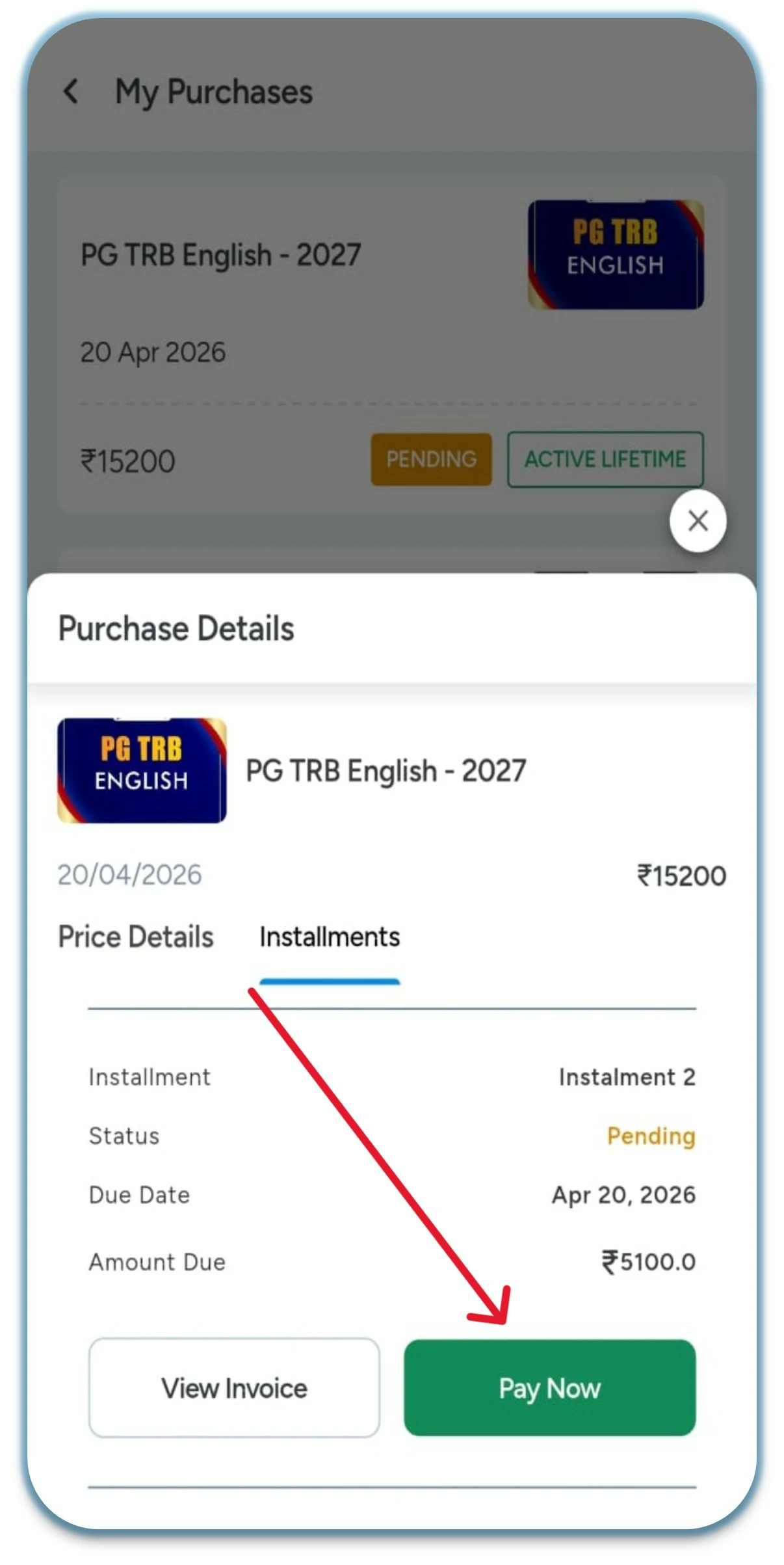
Scroll down the page to proceed with the next steps.
Step 7
Click on the “Pay Now” option.
Step 8
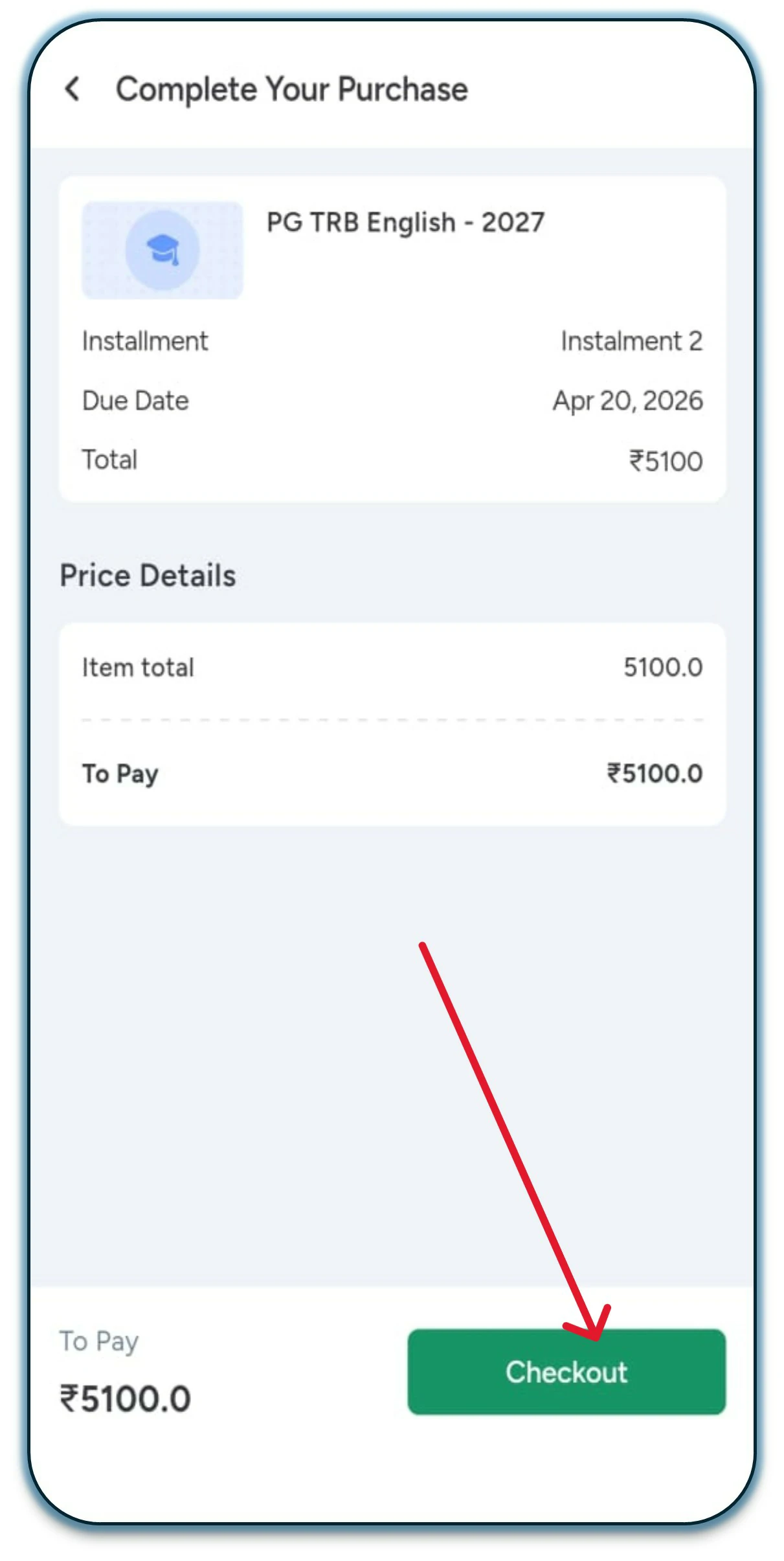
Click on the “Checkout” option.
Step 9
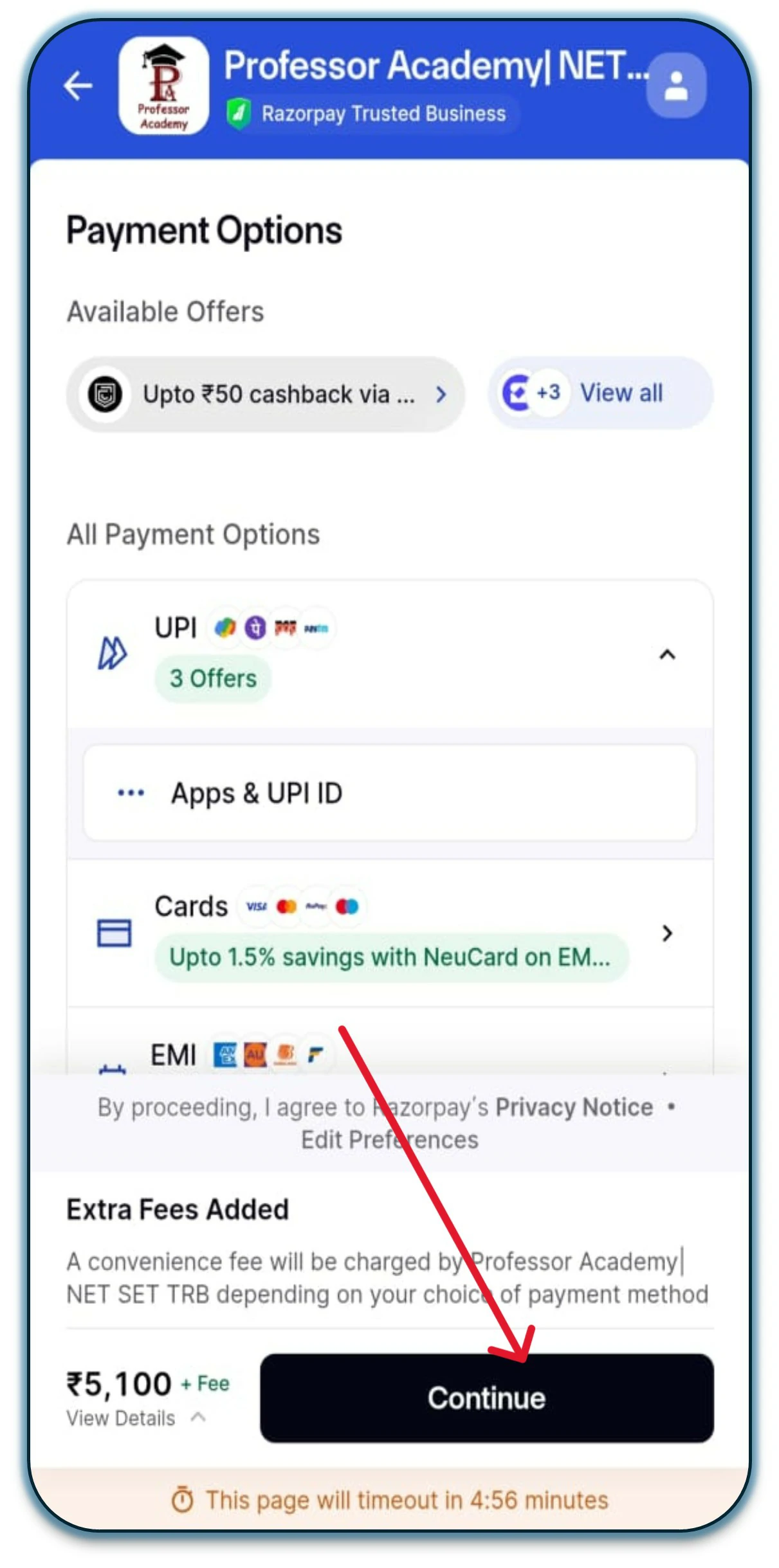
Select any Net Banking option, then click on “Continue” to proceed with the 2nd installment.
Hi!
50% Concession for PWD & Transgender Aspirants
Fill out the form now and claim your 50% concession!